---
title: "Feature Catalog | Minds"
canonical_url: "https://getminds.ai/guide/features"
last_updated: "2026-08-13T13:55:53.547Z"
meta:
  description: "Minds feature categories and the customer-facing feature descriptions used across product, pricing, and contract references."
  "og:description": "Minds feature categories and the customer-facing feature descriptions used across product, pricing, and contract references."
  "og:title": "Feature Catalog | Minds"
  "twitter:description": "Minds feature categories and the customer-facing feature descriptions used across product, pricing, and contract references."
  "twitter:title": "Feature Catalog | Minds"
---

Minds

June 20, 2026·Minds Team

# **Feature Catalog**

Minds feature categories and the customer-facing feature descriptions used across product, pricing, and contract references.

This page lists the main Minds feature categories and the customer-facing feature descriptions used across product, pricing, and contract references. Customer-specific agreements may set plan limits, usage allowances, service scope, or enterprise configuration separately.

## Feature Categories

## Audience Modeling

Core objects for creating Minds and reusable Audiences.

| Feature | Description |
| --- | --- |


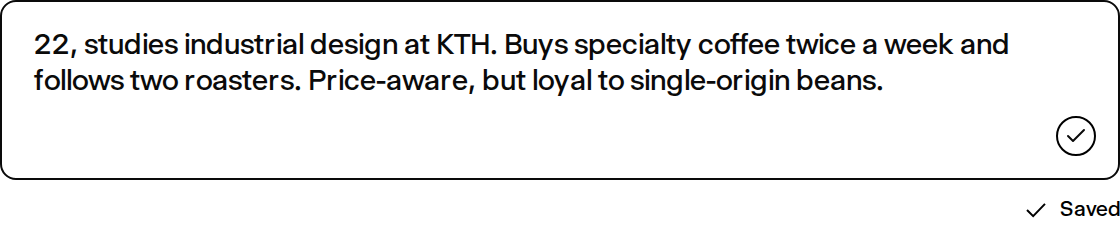
| [Minds](https://getminds.ai/guide/minds) | Create AI personas from descriptions, profiles, links, files, or research notes. When New Mind is selected, one dedicated profile pass classifies whether the request names a real person and produces the initial description and collection queries together, without running Audience-roster generation. A Mind is created through the same guided panel as an Audience, with the same steps and the same composer, and takes the same material: uploaded files, files from connected cloud storage, links, and keyword sources. Everything supplied at creation is retained in that Mind's own knowledge base, so it can be cited on later turns rather than only in the conversation it was created in. Web enrichment can be turned off, in which case the Mind is built solely from the material you supplied. Owners and workspace collaborators can edit a Mind description directly from its profile, with the same inline auto-save feedback used for Audience descriptions; demo, shared-link, and public viewers remain read-only. A Mind is generated in the interface language it was created in: the persona profile behind the description is written in that language too, and later enrichment passes keep it instead of reverting to English. Minds PRISM source modelling adds public-source context and can incorporate permitted research inputs where enabled, so Minds can be reused across research workflows. |
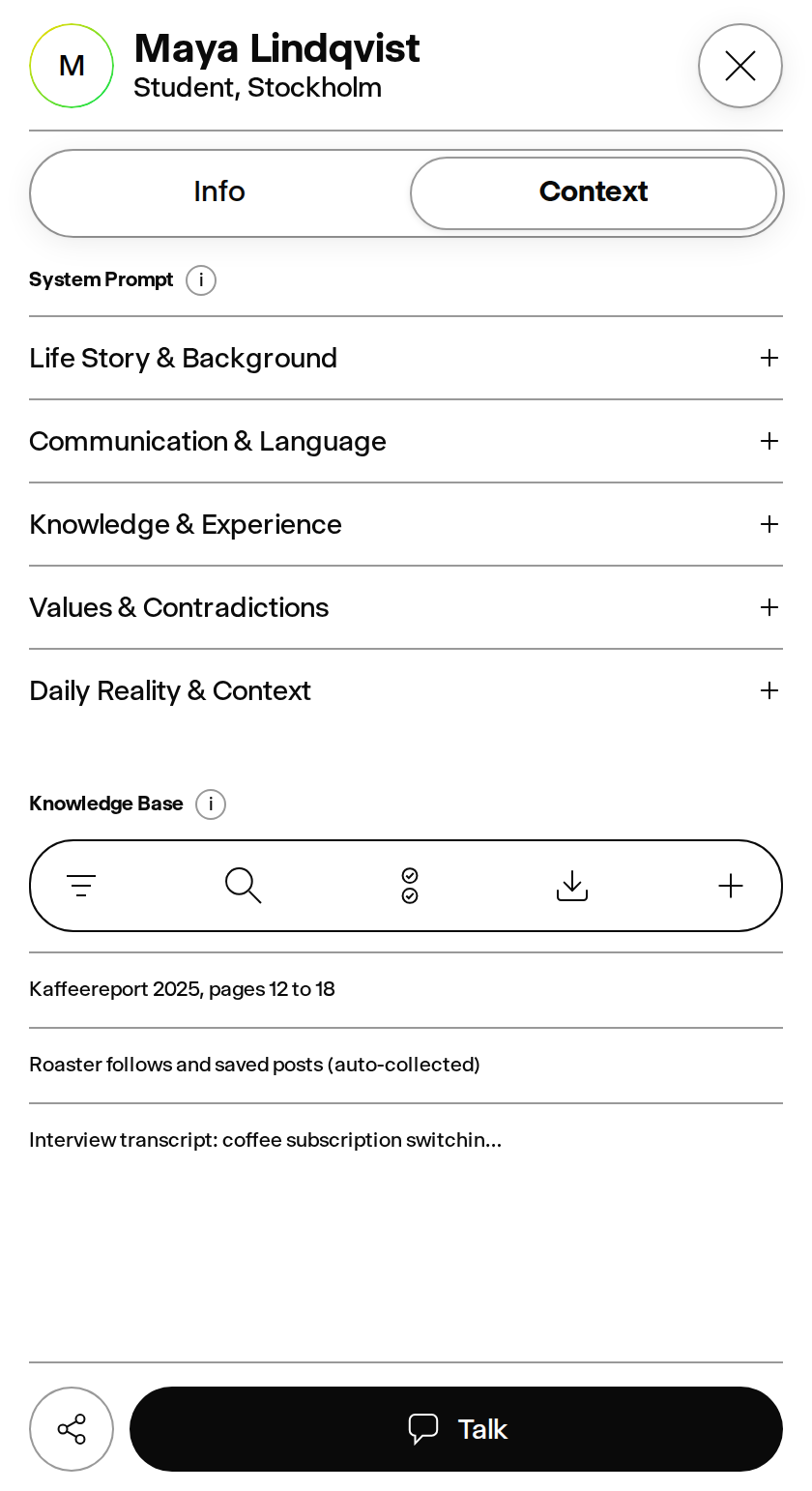
| Mind Profile Context | Signed-in Mind profiles can show approved biographical context alongside the persona description, so teams can review relevant background without exposing internal calibration notes. Public Spark, landing, and share responses omit system prompts and internal calibration or source metadata. |
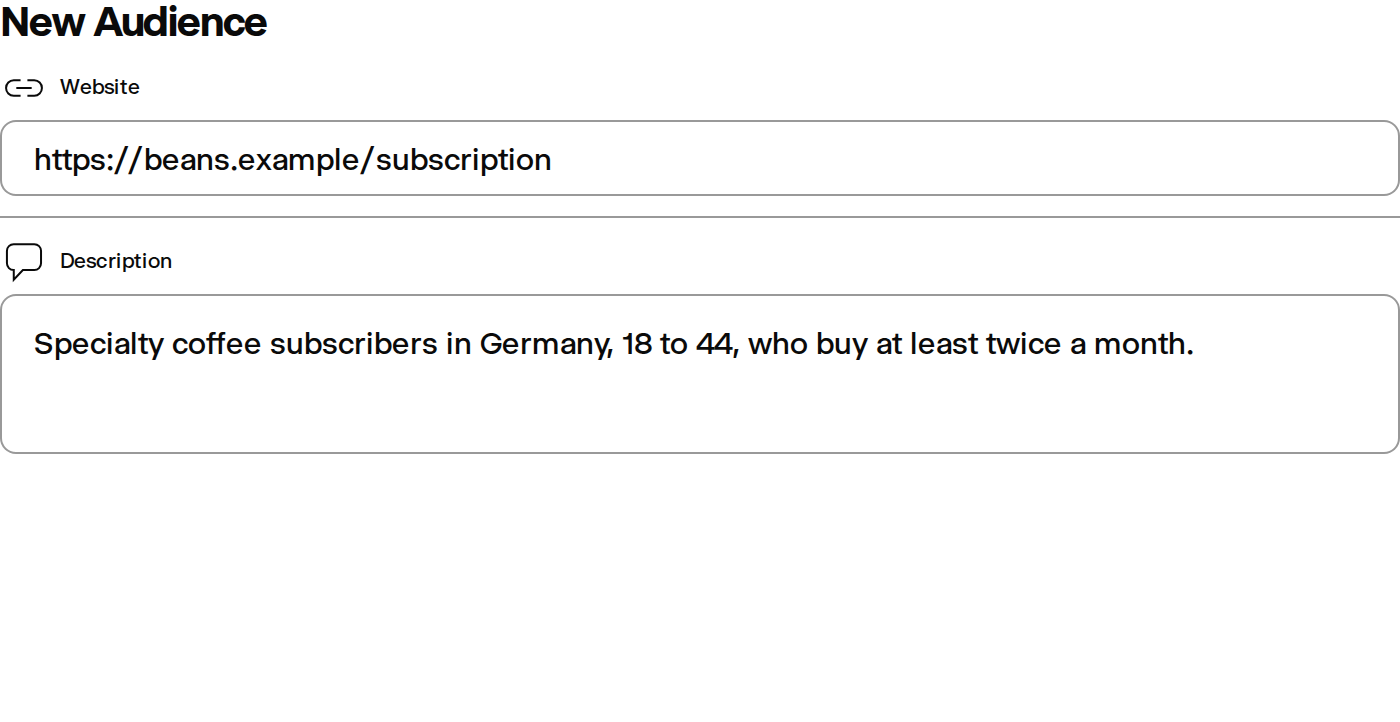
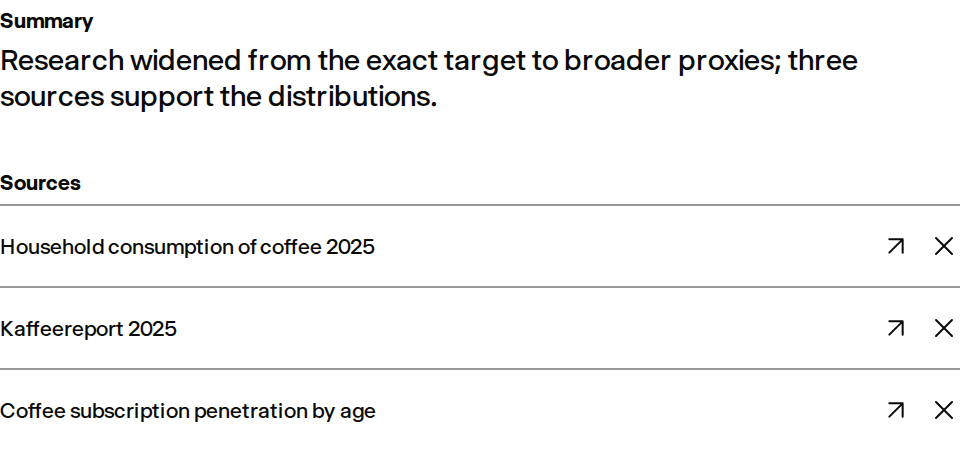
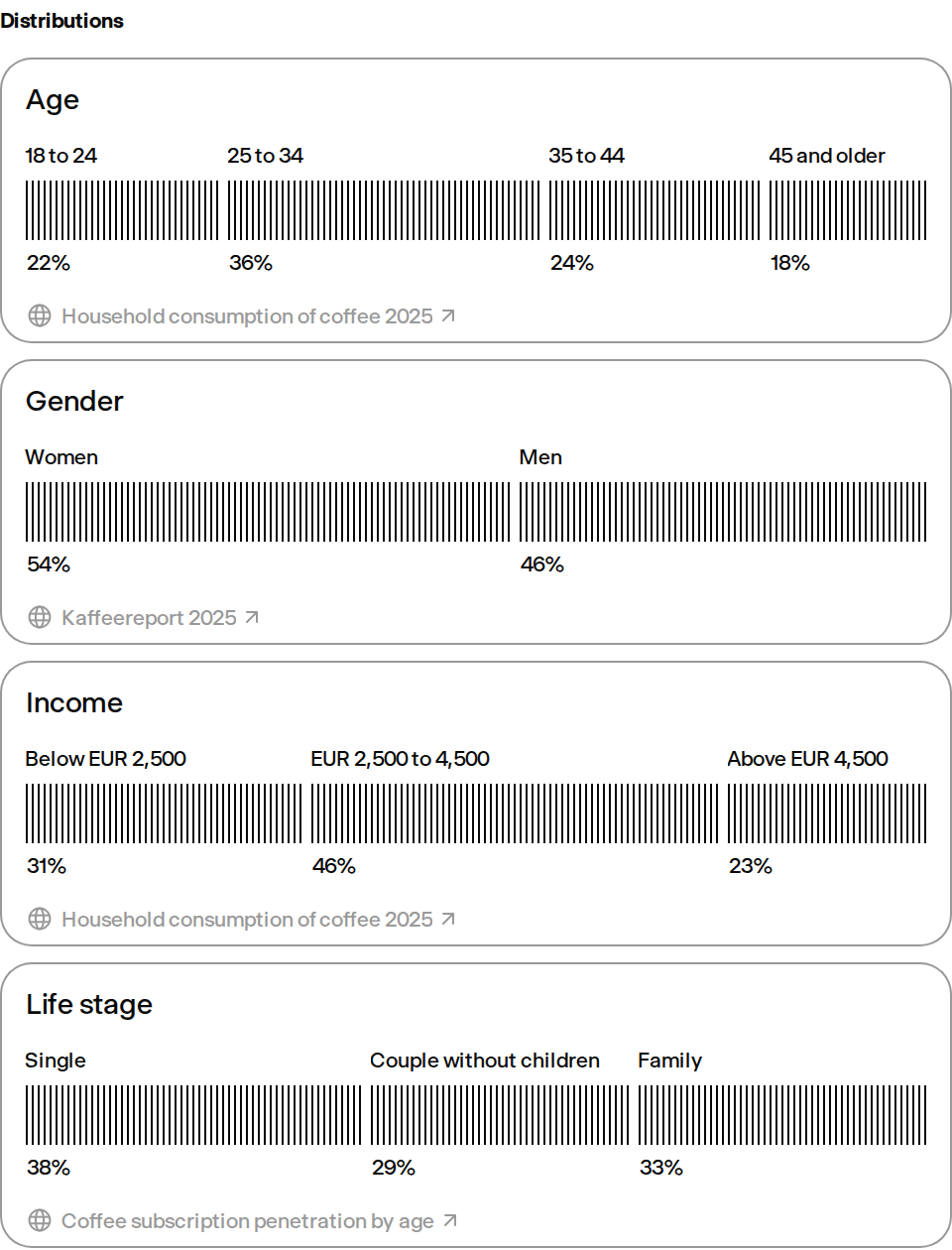
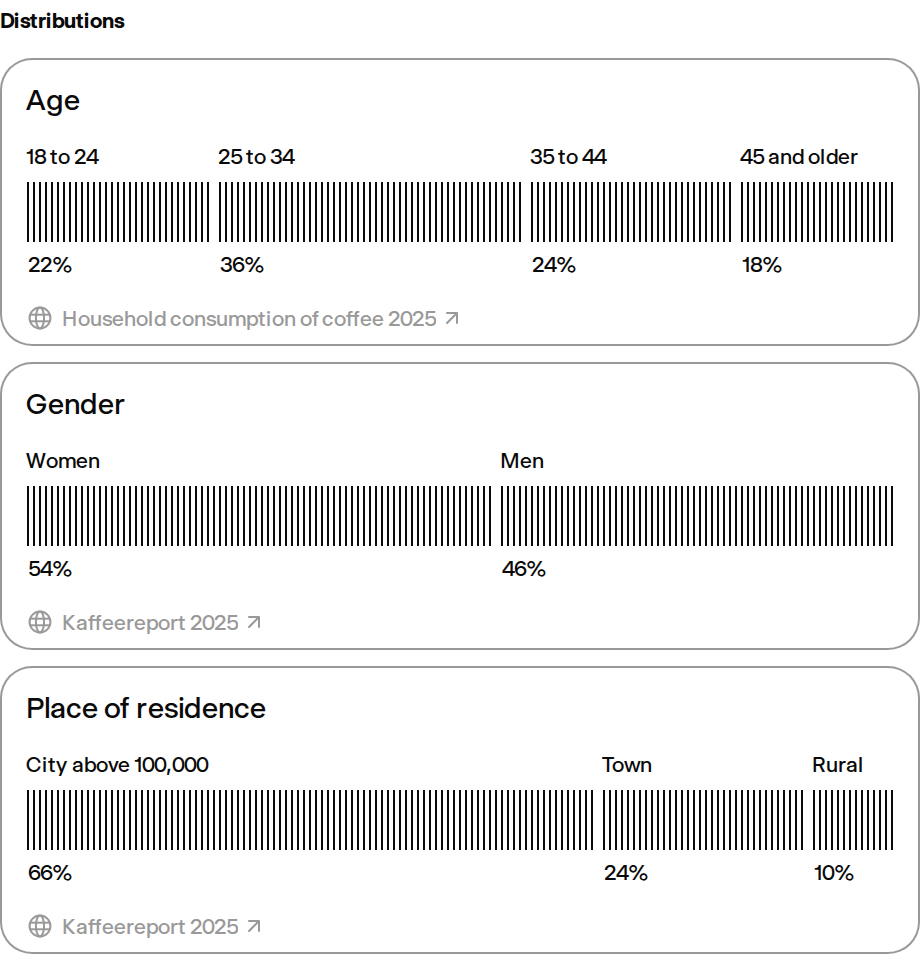
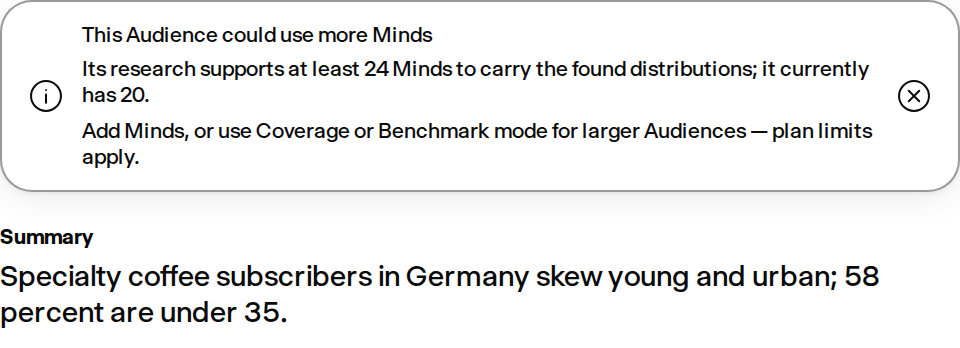
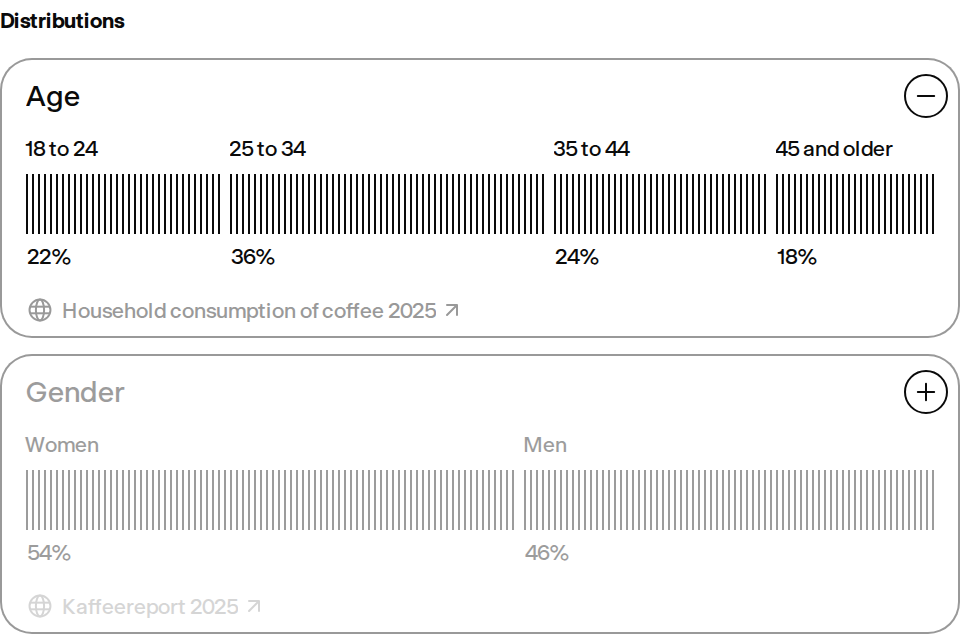
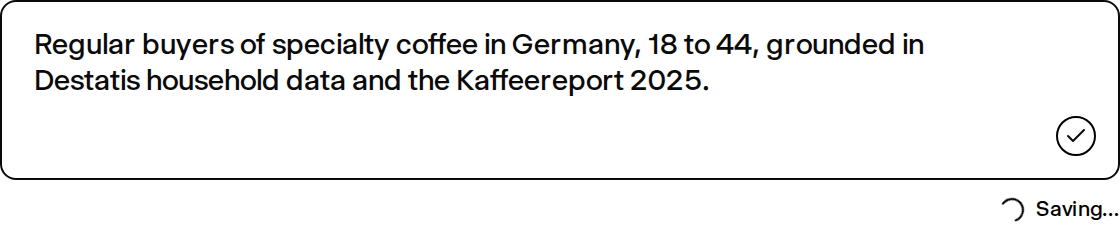
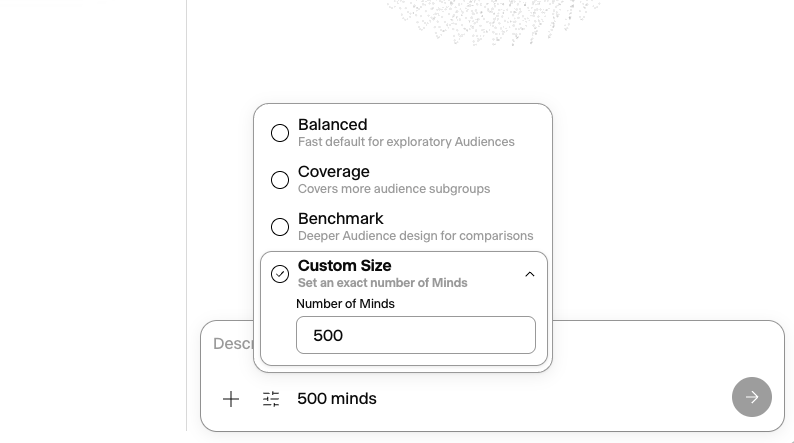
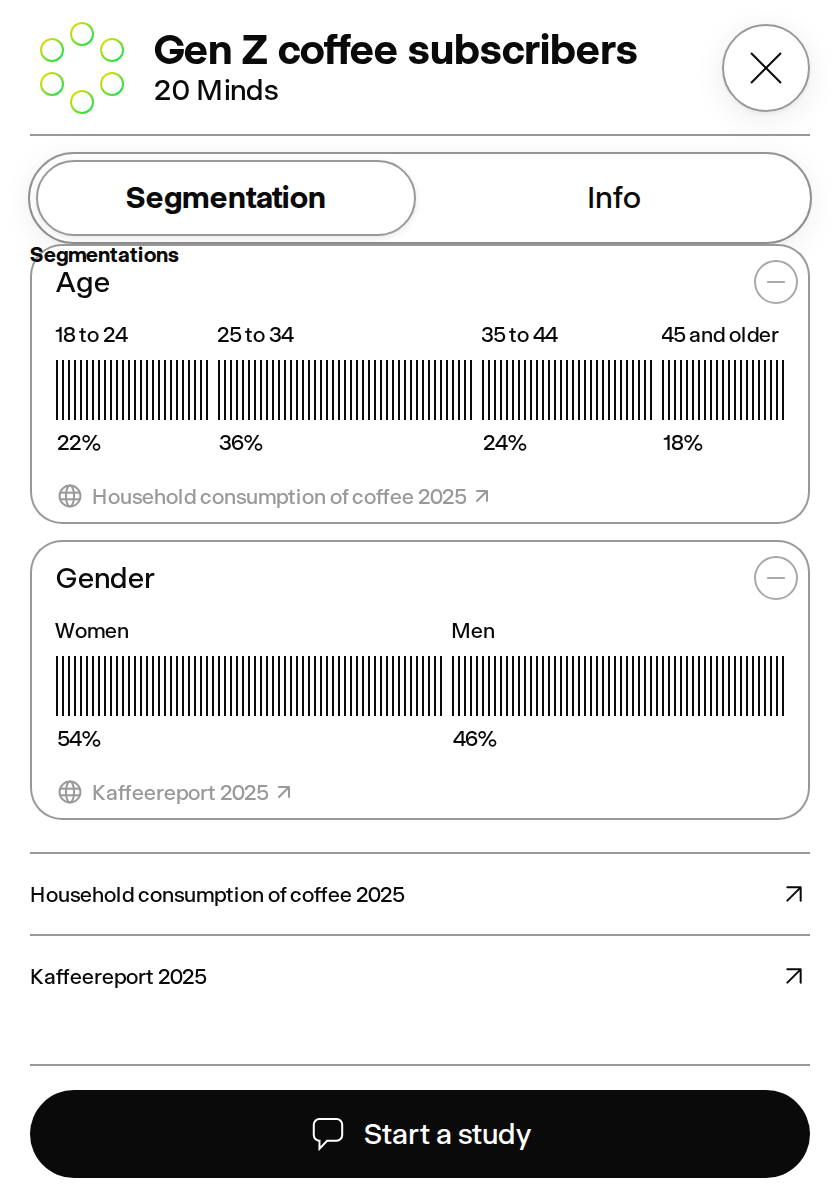
| [Audience Creation](https://getminds.ai/guide/panels) | Build reusable synthetic audiences from existing Minds, audience descriptions, and attached files or links. Audience creation started through V1 or MCP is persisted in the same GroupDraft lifecycle as the webapp and streams the same Drafting, Creating, and Ready status into every open workspace. The initial creation screen keeps a compact description composer anchored below optional context and uses Enter to continue without a separate footer action. Tiered research expands from the exact target to broader, general, and global proxies to find up to 10–25 defensible source-grounded distributions where evidence supports them. Research retries transient search failures and widens its queries when a pass returns too few sources to support a defensible distribution, so a temporary provider outage is reported as research being unavailable and retryable rather than as an audience having no evidence. Progressive source-diverse extraction returns the best validated partial set within the request budget and stops at the cap. Uploaded research is classified by evidence state: screeners and unfielded questionnaires define candidate options, eligibility exclusions, and explicit target quotas, while completed reports and respondent datasets can supply observed distributions. Source-excluded and unresolved conditional options remain visible in review with their reason and never become allocation inputs; matching respondent axes inherit the screener rules. A screener variable the source specifies without any target or observed share is completed with a proposed distribution so the Audience can still vary on it: those percentages are labelled Assumed distribution, are never attributed to the uploaded file, and never dilute a stated quota or revive a screened-out option. Select-all variables keep per-option incidences that can exceed 100% instead of being forced to partition the base, and completing an instrument is independent of reading it, so a degraded extraction no longer leaves every unquotaed variable review-only. The creation prompt itself counts as first-party specification — a pasted screener, stated quotas, or an instruction to split or not split on a variable produces the same reviewed distributions as an upload, whether or not web research independently found data for it. Built-in Age, Gender, Income, and Life stage splits are offered only where the Audience’s Minds carry evidence for them, instead of appearing as failed splits, and grounded splits assign each Mind from its persisted cohort profile rather than re-reading its description. A built-in Representation split uses the same canonical vocabulary as the portrait matcher, so the axes an Audience is built on and the axes it can be filtered by agree; grounded Ethnicity, Race, or Heritage distributions replace it rather than adding a second split for the same axis. Built-in dimensions are recognised from how a source actually names a distribution, not only from an exact match, so qualified names such as Race and Ethnicity or Ethnic Group (2021 Census categories) resolve to the same split, and distributions named in the requester locale are recognised too; a distribution that merely breaks another metric down by a demographic stays a group-specific split. Every grounded distribution the Audience was actually built on becomes a filter after creation, not only the first few: distributions whose segments are assigned deterministically from persisted cohort profiles are all exposed, while only model-generated suggestions stay within the per-mode budget. Removing a distribution segment during draft review keeps it visible and restorable, and an option the screener terminated is never drawn as a slice of the Audience: it is listed under the chart, dimmed, with its reason and the share the source observed, so a terminated group is never presented as part of the cohort while its percentage is still reported. Where such an option carries an observed share, it can be added back into the draft for an Audience the researcher decides it belongs to; an option the source never weighted stays inert, because restoring it would have to invent a share. Grounded percentages are converted into exact integer quotas by a seeded deterministic allocator; every Mind receives a persisted Audience-specific cohort profile and the target-vs-achieved audit is available through the API. Marginal-only evidence uses an explicitly independence-based joint reconstruction rather than inventing correlations. API callers can adjust the seed, included dimensions, dimension cap, feasible segment floor, joint strategy, response detail, and profile-context behavior; the same contract is ready for future UI controls. Review distributions in compact expandable rows, open their sources, and remove noisy charts with fast draft reshuffling. Edit owner-controlled Audience descriptions while keeping Marketplace descriptions in sync. Where enabled, draft Minds receive rights-cleared first-party portraits from public Marketplace Audiences. Existing public Minds contribute stored visual-presentation metadata; age and declared representation refine the match when available, and the drafting model maps each requested nationality or region onto canonical representation buckets so persona tags and catalog labels share one vocabulary. Each generated persona carries an explicit visual profile, and the server reorders the existing joint cohort profiles to keep identity and distribution assignments coherent without changing quotas. Visual presentation is the one hard constraint — a portrait never contradicts a declared gender — while age and representation degrade to a best-effort preference, and portraits that carry no representation label stay usable as neutral matches instead of being rejected. As a result every synthetic Mind receives a gender-appropriate portrait; the matcher prefers exact age and representation and reuses compatible portraits when a narrow demographic bucket has fewer distinct assets than the Audience. Stable initials remain only for the deliberate cases — a named real person, a Mind with no declared presentation, or a cohort slot that contradicts its own identity — never a demographic mismatch. The portrait pool is drawn from every Mind that owns a rights-cleared first-party portrait rather than only public Marketplace Audiences, with Minds cloned from named public figures excluded from anonymous reuse, and it is complemented by generated coverage portraits spanning wardrobe archetypes — business, casual, creative, trades, and education-and-care — so a demographic cell offers visible variety instead of one repeated look. Shared-corpus creation reuses seeded sources in phase 1 and marks every Mind ready as soon as its personality is built; optional individual deep analysis continues in the background without blocking completion. The creation panel uses Balanced by default and also offers Segment Coverage, Benchmark Depth, and Custom Size. Custom Size sets the exact number of Minds instead of letting a mode size the Audience from capacity: the design mode is chosen automatically to match the requested size, and the number is bounded by the plan’s per-group allowance, including a negotiated Enterprise cap. API and MCP callers set the same number with an explicit memberCount, which overrides any count written in the brief and is rejected with the upgrade gate rather than being silently reduced. Balanced sizes each Audience from its own evidence — enough Minds to give the smallest evidenced segment its own representative, from 5 up to 20 — so a narrow audience stays small instead of filling a fixed share of the plan allowance, and a bigger plan never inflates a Balanced Audience. Where the evidence is finer than 20 Minds can represent, Balanced builds its most detailed Audience rather than dropping the rare segments, which stay visible in the distributions and keep their place in the allocation. Team-only Segment Coverage gives every limiting grounded audience cell two representatives, from a 10-Mind evidence floor up to its 50-Mind mode ceiling, instead of filling a fixed share of capacity. Team-only Benchmark Depth gives every limiting grounded audience cell five representatives for comparison-ready depth, from a 15-Mind evidence floor, and uses the paid allowance only as a ceiling. That ceiling is 200 Minds on standard Team, with negotiated Enterprise capacity up to the 1,000-Mind system ceiling. Explicit Custom Size counts can use the entire paid allowance; counts above it open the upgrade gate. A distribution is allocated against the population it actually measures: one that reports a subset (for example the origin of foreign students) is drawn only across the members holding that base segment and is labelled with the subset and its share, so it can no longer be spread across the whole Audience. Where the same attribute arrives from more than one place, a study quota outranks a public statistic and a public statistic outranks an assumption, with dropped assumptions still listed as identified. Prose briefs no longer yield fragment-labelled splits. After creation, the Audience’s Research tab reads those distributions the same way the draft review does — an outlined card per distribution, horizontal share bars carrying every label and percentage, and the source behind each split — instead of donuts that stayed legible only for two-slice splits; removing a distribution remains a draft-review action and is not offered on a saved Audience. During the build, a compact live processing layer shows the current Group-level step and one real-time training status for every individual Mind. |
| [Durable Audience Drafts](https://getminds.ai/guide/panels) | Audience drafts are saved before acceptance and appear in a dedicated draft section of the existing Audience list, with dashed row styling that keeps drafts distinct from completed Audiences. The row reads Drafting… while generation is running, Draft when it is ready to review, Creating… after acceptance, and the Mind count once creation finishes. Closing the creation panel does not stop server work, and reopening or reloading restores the latest authoritative draft or creation state, including research queries, sources, attachments, and the completed portrait set. Starting or opening another Study, creation, library, search, project, or settings surface returns the creation UI to neutral without deleting the saved draft or stopping its background work. Multiple drafts and accepted creations can run concurrently; every edit and Create action remains bound to its own durable draft and source snapshot. A draft can start from files alone, and drag-and-drop attachment surfaces deduplicate each file before it enters the draft. Accepting a reviewed draft reuses its approved roster, and each Mind’s five-part personality prompt is generated in one validated request with automatic fallback if the result is incomplete. That prompt starts from the approved in-memory corpus while the same sources, embeddings, and heuristic thinking patterns are persisted; the existing Sources, Knowledge, Thinking patterns, and System prompt steps continue to show authoritative server activity without holding back a completed Mind for presentation timing. |
| [Dataset Segmentation Review](https://getminds.ai/guide/panels) | Structurally analyze every row in XLS, XLSX, and CSV respondent data and classify each field as a population definition, segmentation variable, study outcome, decision driver, open-ended question, weight/identifier/metadata, or derived statistic. Population and segmentation variables shape the cohort by default; outcomes and drivers remain held out for testing instead of being baked into the Audience. Review the population distribution for every variable in a dedicated post-analysis step. For completed respondent data, privacy-safe pairwise relationships are measured deterministically and separated into structural dependencies versus holdout evidence. The observed allocation strategy preserves exact selected marginals while reproducing the strongest compatible structural dependencies through a deterministic dependency tree; small cells are suppressed and respondent rows or unique joint profiles are never converted one-for-one into Minds. Remove irrelevant variables, then generate a broad representative Benchmark cohort whose aggregate attributes preserve every selected distribution. Where enabled, a reviewed selection can include up to 200 variables and generation scales to the workspace’s configured Audience allowance, up to the 1,000-Mind system ceiling. A bounded set of broad seed archetypes is expanded into distinct, deterministically assigned profiles. Spreadsheet-grounded Minds are ready from their assigned profiles while portraits generate in the background. |
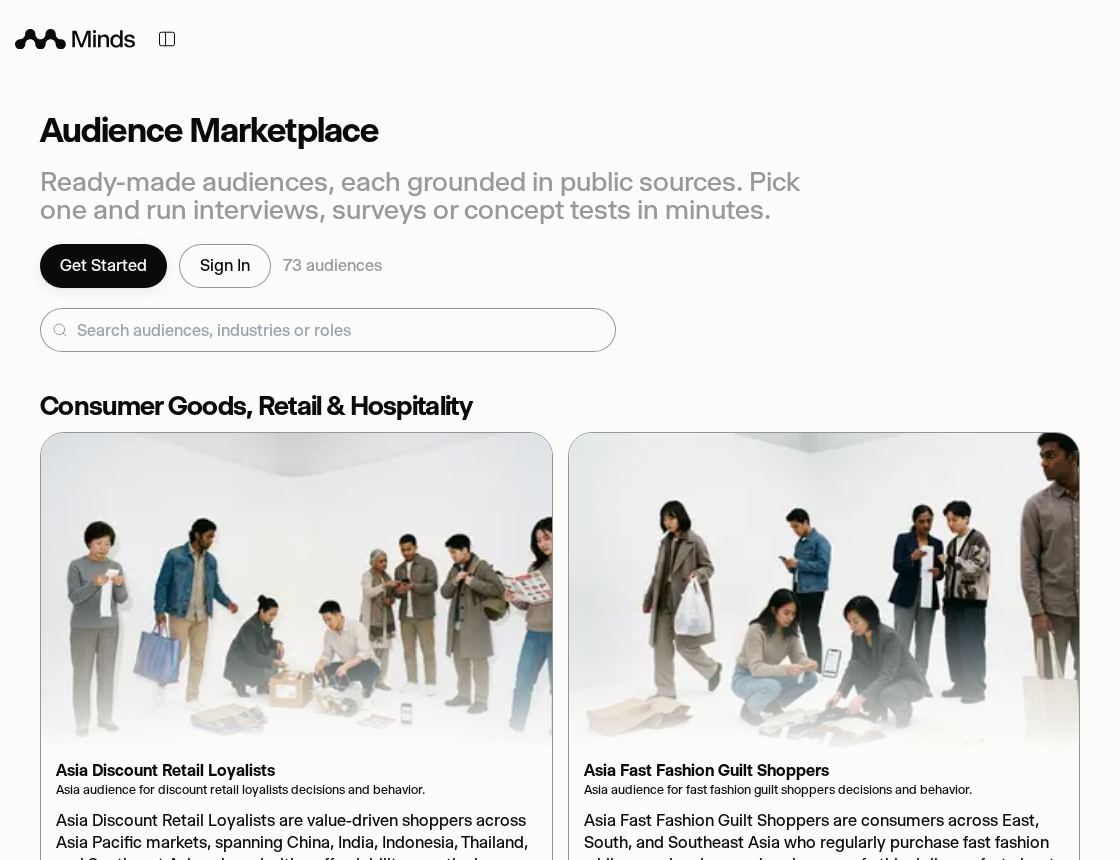
| Marketplace Audiences | Access partner-published Audiences as Team add-ons, or publish your own Audiences for other teams to subscribe to, with paid access billed as a monthly Team add-on. Publishers can price an Audience per plan: an optional Team-plan price applies to buyers on a Team subscription, and leaving it unset charges every plan the same. The price quoted on the Marketplace card, in the subscribe dialog, and on the invoice is always the one that plan actually pays. Generated covers keep a consistent white-room setting while using audience-specific wardrobe, activities, and floor-placed objects to make each Audience visually distinct. The Audience library uses display-sized cover thumbnails and prioritizes visible cards so large saved and Marketplace collections stay responsive while you browse. |
| Custom Onboarding | Set up your first Audiences in minutes: describe your brand, paste your website, and attach multiple context files; Minds identifies the business context before drafting three core Audiences—end customers, professional users, and trade or channel audiences where relevant—plus additional opt-in stakeholder Audiences only when materially distinct. Each Audience is independently grounded against its own sources and distributions, with a grounded description, balanced member count, and progressively generated cover. Before creation, a dedicated review step lets you inspect every proposed Audience and edit its grounded distribution percentages. Approved grounding and segmentation Formations are persisted with each Audience before it opens. Covers begin in parallel as soon as Audience candidates are identified, while research and hidden persona balancing continue. Draft cards show the verified sources used for each Audience. The loader stays in analysis until live research keywords arrive, then streams verified research at a readable pace; ready drafts are not held for optional covers or Marketplace matching. Reworks visibly repeat the same research steps and preserve exact unaffected cards. If a supplied business source cannot provide enough context, Minds asks for a concise description of the offering and market before drafting. It suggests relevant Marketplace Audiences and opens a temporary questionnaire Study with the Audiences you keep; the first submitted question creates the Study, so saving Audiences stays separate from Study allowances. Free workspaces include 30 AI-generated Audience requests per rolling 30 days; if that allowance is reached, the plans screen explains the limit and current usage. Custom onboarding is optional: you can skip it at any step and enter the workspace without creating Audiences. If you leave without completing or skipping, it restarts on reload. |

## Research Workflows

Ways to query Minds, compare segments, and test stimuli.

| Feature | Description |
| --- | --- |
| [Research Credibility Controls](https://getminds.ai/guide/chats) | Keep the evidence boundary visible from Audience creation through Study answers. When source material is readable but no evidence-backed distribution can be applied, Minds retains every uploaded material for review and holds that Audience to modeled assumptions rather than measured customer facts: its Minds are instructed to treat persona details as synthetic scenario assumptions, so the boundary is enforced in the answers themselves rather than as a badge the reader has to notice and interpret. Synthetic persona generation and panel answers avoid unsupported exact employee counts, revenue, budgets, income, policy leakage, incident counts, and market share. Attached study briefs feed the planner itself; every explicitly named criterion is preserved as a separate reviewable question, and the complete Study Plan survives the Audience handoff into confirmation instead of only the first question running. A Study also keeps the material its request carried. A website or file named in the message, attached in the composer, or added while reviewing the plan becomes the plan’s confirmed source and travels with every question of the run, so replacing the original wording with planner questions can no longer lose the page or document under review. A context file that cannot be read stops the Study instead of publishing findings against material nobody opened. A finished Study also states its own completeness. When a question fails, the Study concludes from the questions that did answer and reports how many those were, instead of discarding a run whose remaining answers are still valid; retrying the failed question rebuilds the overall conclusion against the fuller evidence. A Study that stopped responding says so with the number of answers it collected and can be concluded from them on request, rather than showing an open-ended progress state. A conclusion assembled from the individual question findings, without a full synthesis, is labelled as such. |
| [Research Tools](https://getminds.ai/tools) | Start a focused research setup from a public tool by submitting a website URL or a precise question, then continue with guided audience and goal selection after registration. The public tools library includes the AI Target Audience Generator, the Minds Landing Page Checker, and 50 focused combinations across landing pages, ad creative, pricing pages, product messaging, and email campaigns for ten industries. The audience generator turns a website or product brief into distinct target-audience hypotheses and keeps the result framed as a research starting point rather than proof of demand. The other variants use different page names, input prompts, suggested audience combinations, panel sizes, evaluation copy, and next-step calls to action instead of repeating one generic checker. A concise synthetic-persona introduction explains how to reach hard-to-recruit audience perspectives immediately, start free, and use the directional read to choose what to validate with real people next. Beneath the audience suggestions, every tool shows a clearly labelled illustrative evaluation through the same categorical panel-results component used by public studies, followed by the shared About Minds publisher block. Every version uses the same content, attribution, suggested-group, study-preview, and registration handoff instead of a separate checker implementation. |
| [Studies](https://getminds.ai/guide/chats) | Use one Study workspace for an in-depth Mind interview, qualitative exploration at scale, a structured questionnaire with directional quantitative readouts, concept and message tests, or segment comparisons. Context-aware follow-up suggestions match the current Study language. In an in-depth one-to-one Mind interview, knowledge-base, web-search, analyzed-link, and uploaded-document claims show the same inline source-logo hovers as Study answer cards: public sources open their exact URLs, while private files remain non-linking and never expose storage paths. Choose Minds from the main input to open the picker immediately; an open Minds panel collapses during the handoff. Recent Mind and Audience suggestions appear once each instead of repeating to fill empty slots. For a request-driven Quick start, the keyboard-accessible picker keeps the stable loading state (Twinkle) visible while it resolves and analyzes the request plus attached websites, uploads, and supported integration assets before inferring the intended Audience. It jointly ranks relevant private-library and Marketplace matches and drafts useful new Audiences. Obvious workspace actions such as exporting, downloading, or reformatting an existing result are routed to action guidance instead of inventing analyst audiences. Discovery has a bounded wait: it preserves useful matches already found or offers retry instead of loading indefinitely. It can show several reusable and NEW exact or adjacent alternatives side by side, including a same-named new option when an existing Audience matches, while keeping every result unselected until the user chooses it. Existing Audiences keep their actual stored number of Minds, including larger manually curated Audiences; only NEW Quick drafts use the plan-safe 5–20 Mind range. Every Quick request requires explicit Audience confirmation before a Study starts, including an exact existing-Audience match. Confirmed NEW drafts enter the shared Audience creation flow with the analyzed sources preserved. Projects can start a new Study from the project’s individual Minds and retain it with the project. Study messages stay explicit when an Audience has no available Minds or is still preparing them. A top-right status card keeps the current Study’s Audiences together with ongoing background Studies, and returns to a finished Study when a background result is ready. Inside a Study the card is always reachable and scopes to that Study, pairing its running progress with its Audiences as a management surface: ready Audiences show their real stored Mind count, a circle-minus control removes an Audience from the Study, and an Add Audience row opens the same staged select-Audiences picker used elsewhere in the workspace. On the overview the card continues to gather every saved draft, running Study, and Audience still being prepared. Other long-running features can publish their own progress rows into the same card, and clicking a row returns to the feature that published it. |
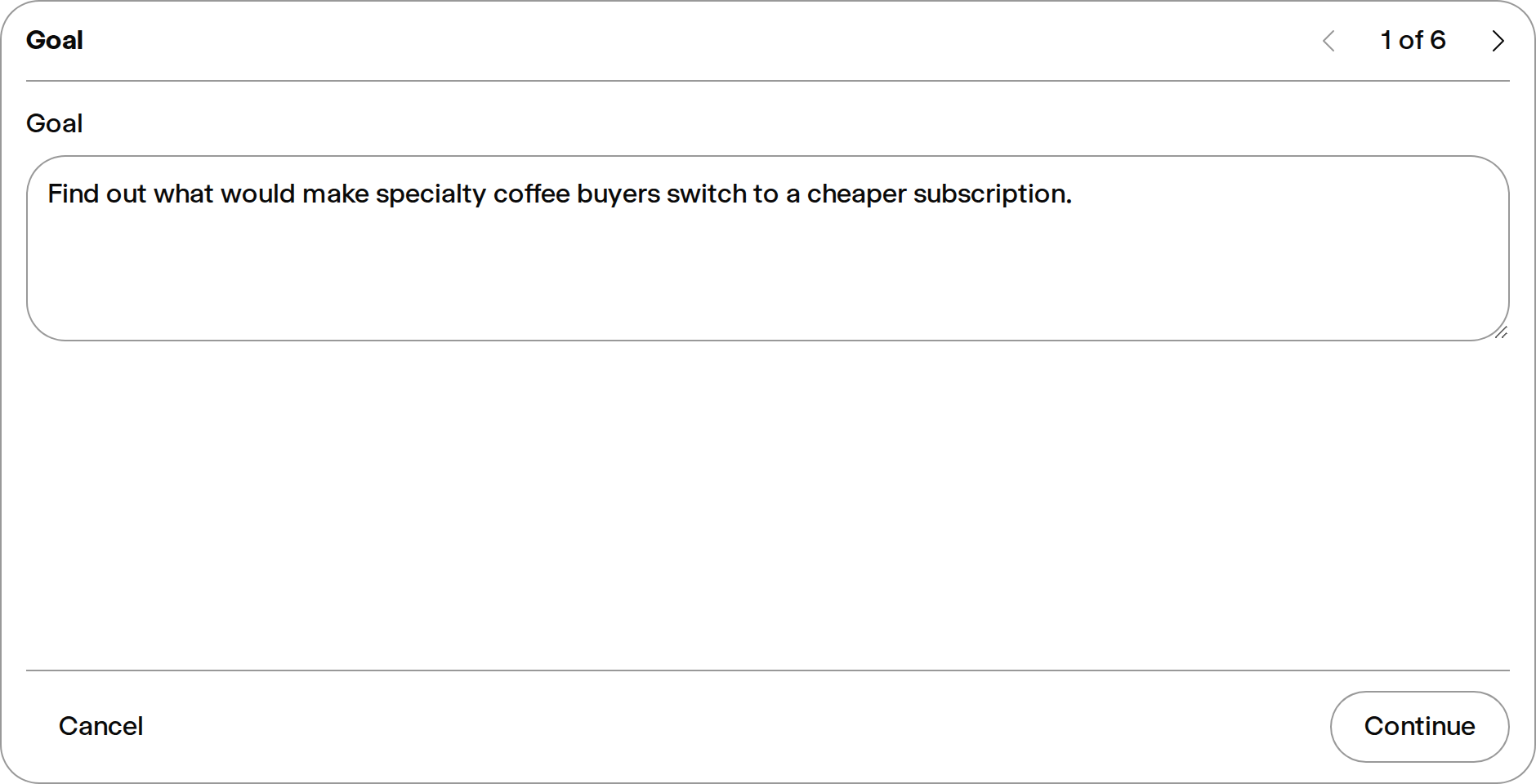
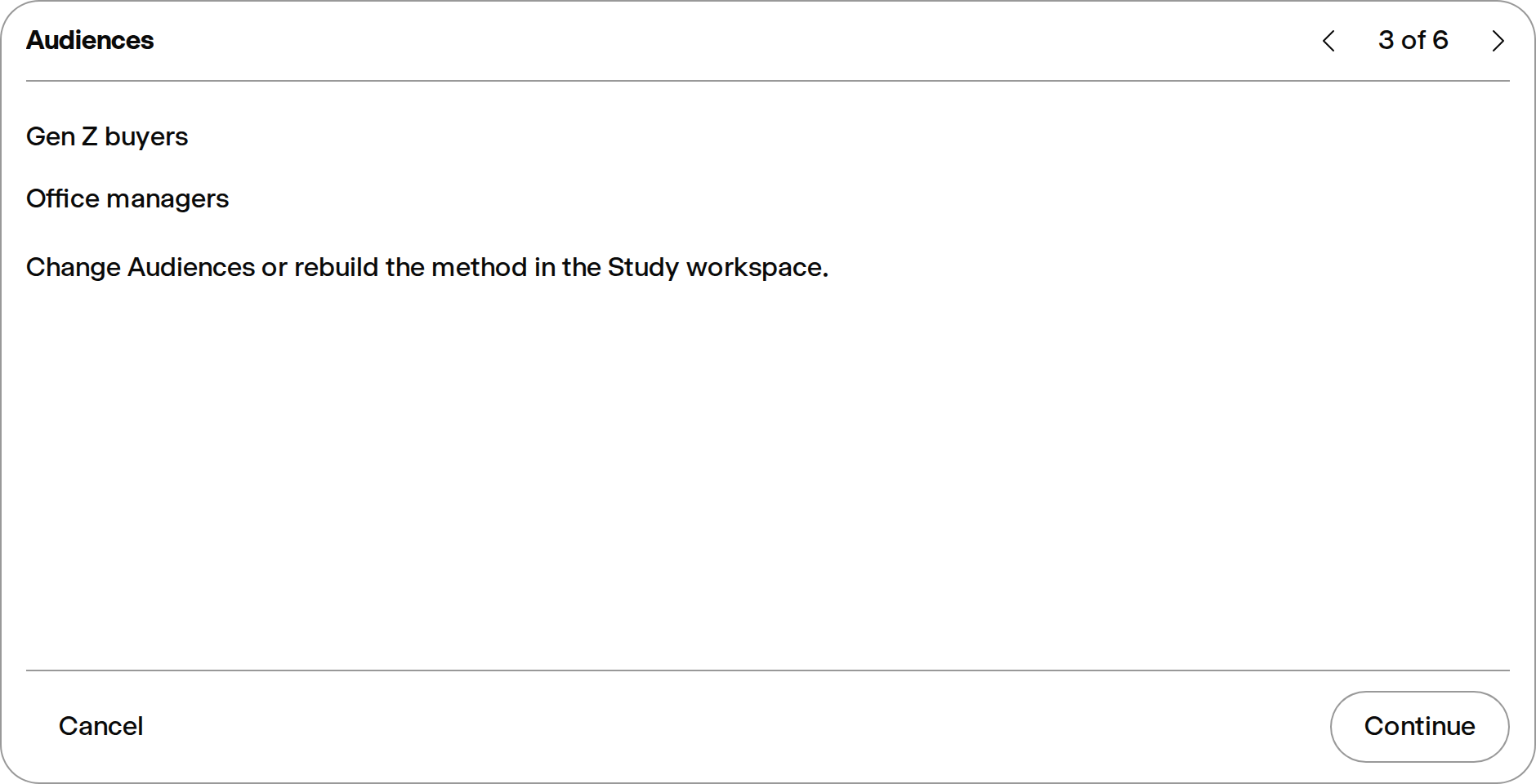
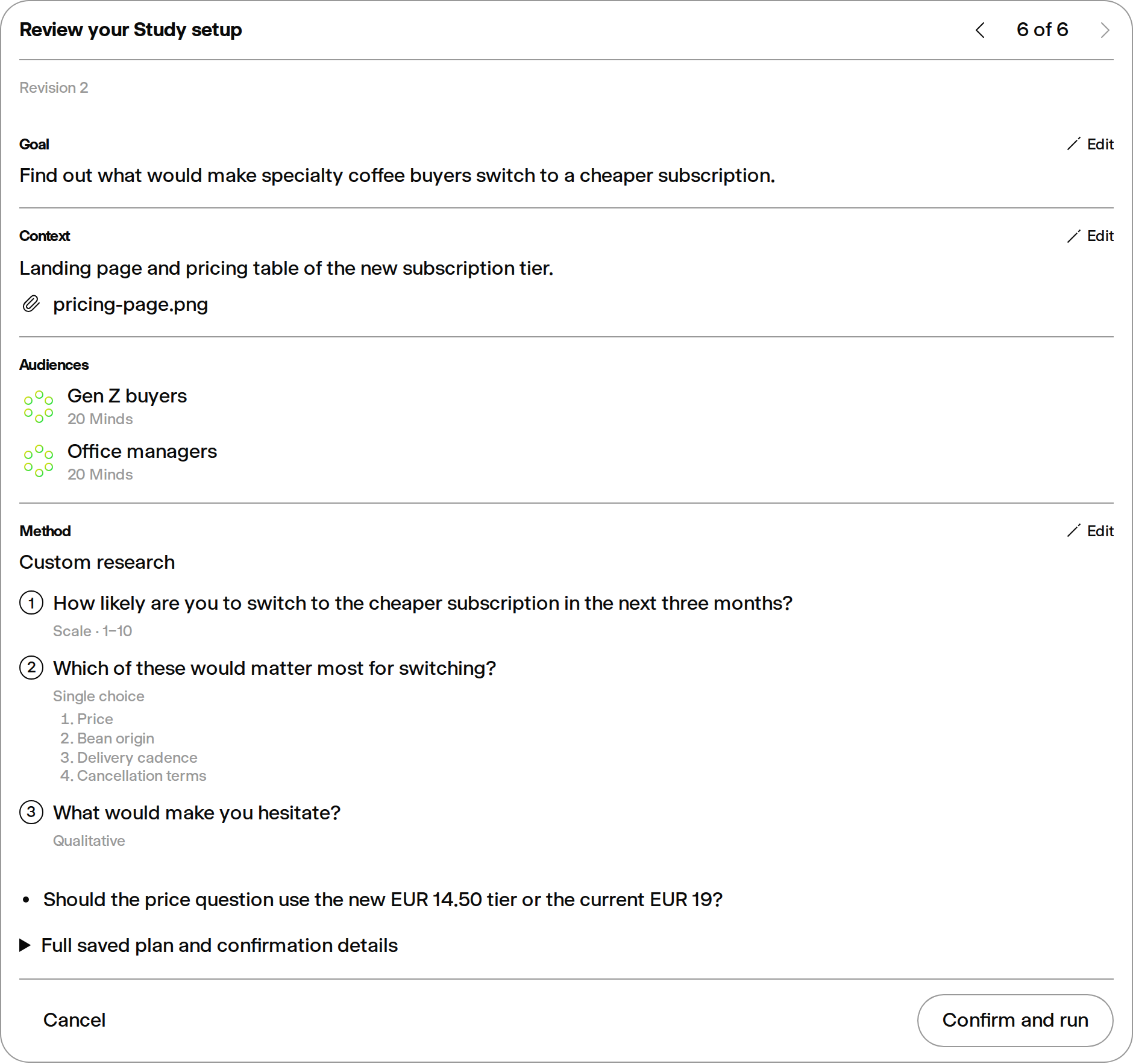
| [Custom Study Setup](https://getminds.ai/guide/panels) | Start a Study through Quick mode or use the five-step, AI-guided Custom setup to define the research goal, add a website, files, or notes, select Audiences, review goal-matched questions, and confirm the complete setup before the Study runs. The Audience step in both Quick and Custom can open the full Marketplace as an external picker: confirmed Marketplace selections return to the plan, while cancelling restores the plan’s previous selection. Switching from the composer into Custom carries the current request plus attached website, upload, and supported integration context into the setup. Contextual Audience recommendations use the same ranked saved Audiences and audience drafts as Quick, with the inferred drafts as a relevance anchor so unrelated weak library matches are not presented as recommendations. NEW drafts are selected inside step 3; the New Audience tile accepts an additional description in the same step instead of leaving the wizard for the standalone creation slide-in. Every draft remains visibly marked for creation in step 5 and enters the shared grounded Quick Audience creation pipeline only after the user confirms the complete setup. Plan Mode shows step-specific loading feedback while it prepares recommendations, supports arrow-key navigation through selectable rows, and keeps the current choice outlined while advancing. After the first planning choice, every new Quick or Custom setup is saved as an isolated Study draft whose sidebar subtitle is Draft. Closing, navigation, reload, or a failed start preserves the exact planning step, questions, method, Audience selection, and canonical uploaded context; several drafts can be resumed independently. Checkpoints remain isolated per draft when switching chats. Planner prompts opened later inside an existing Study are deliberately excluded. The same owner-scoped, revision-safe draft lifecycle is available through the v1 API and MCP so agents can create, revise, and resume a plan while execution still requires explicit confirmation. Confirmation creates and opens the durable Study immediately; uploads and NEW Audience preparation continue behind the existing in-Study loaders, and the resulting Audiences attach to that same Study before its confirmed questions begin. The draft is removed only after the server accepts that start: at queue acceptance, the matching draft is atomically consumed so one launch cannot appear as both a Study and a duplicate Draft; a rejected launch leaves the Draft resumable. Once confirmed, the running Study owns the flow state instead of reopening the setup on reload, and its result uses the concise confirmed research subject rather than the complete internal brief as its headline. |
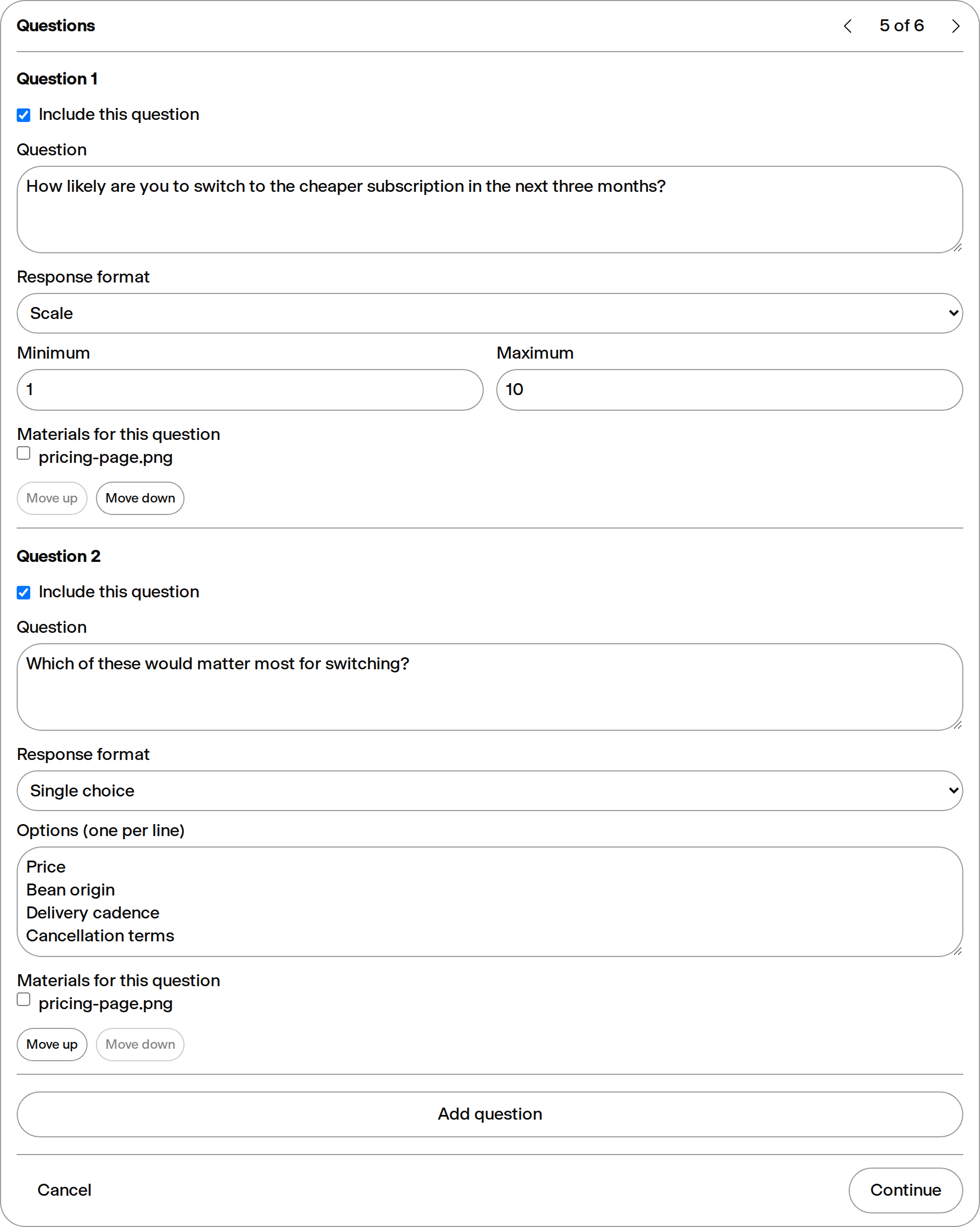
| [Multi-Question Grouping](https://getminds.ai/guide/chats) | Extract and detect questions from prompts typed in a Study or uploaded as questionnaire files, let users review the interpreted goal and source, distinguish user-authored from suggested questions, and edit multi-question plans generated from broader research objectives before they run. Quick, Custom question generation, plan revision, v1, and MCP share the same research-planning policy and fast planner model. A confirmed available method keeps its exact method and pipeline contract through the normal stream or durable questionnaire processor; experimental and planned methods remain reviewable but cannot start. Processor-side document analysis uses authenticated internal upload bytes directly when available, so Custom and questionnaire workers do not depend on turning a relative upload proxy path into a public URL. Show every waiting item and its live progress in a question queue above the Study input, append further typed queries in submission order, and keep each sub-question answer grouped under its original request. Method-generated tasks replace the optimistic question list with the processor-owned executable queue, so progress remains aligned after expansions such as MaxDiff. When a queued follow-up starts, it leaves the queue immediately and appears in the Study with its loading state before the answer arrives. Follow-ups remain behind the active primary research run. In a saved Study, queued follow-ups run durably in the processor, so they survive a page reload or closing and reopening the Study and still complete. Pending items can be removed before they start. Removing the final visible row of a queued request cancels its complete durable job, including any tasks created by later classification; after the queue is empty and no answer is running, the next message starts immediately. Free users can still create, revise, and resume Quick or Custom Study drafts after using all three monthly answers; the execution boundary is the paywall. If an oversized first run has answers remaining, it atomically reserves and executes only that remaining prefix as one research block, completes its Study summary, and then appends a localized upgrade CTA. Any later run attempt returns the existing structured plan limit before generation. When a Study with more than one question finishes a longer background run, the submitter receives a single email notification linking back to the results, including when some questions could not be completed; short runs, cancelled runs, and runs stopped by the plan's response allowance never send an email. A request is only separated where the user wrote a list: explicit markers, separate lines, or consecutive questions. A multi-part question stays whole, so its options, follow-up probes, and soft-wrapped lines remain attached to the question they belong to, and pasted reference material is never mined for the rhetorical questions inside it. Anything else is interpreted as one research request instead of being divided on punctuation. A Study with several questions always carries a generated headline rather than a repetition of the typed request, and once the run finishes that headline restates what the research found, falling back to the neutral topic when the findings disagree or the Audiences are evenly split. |
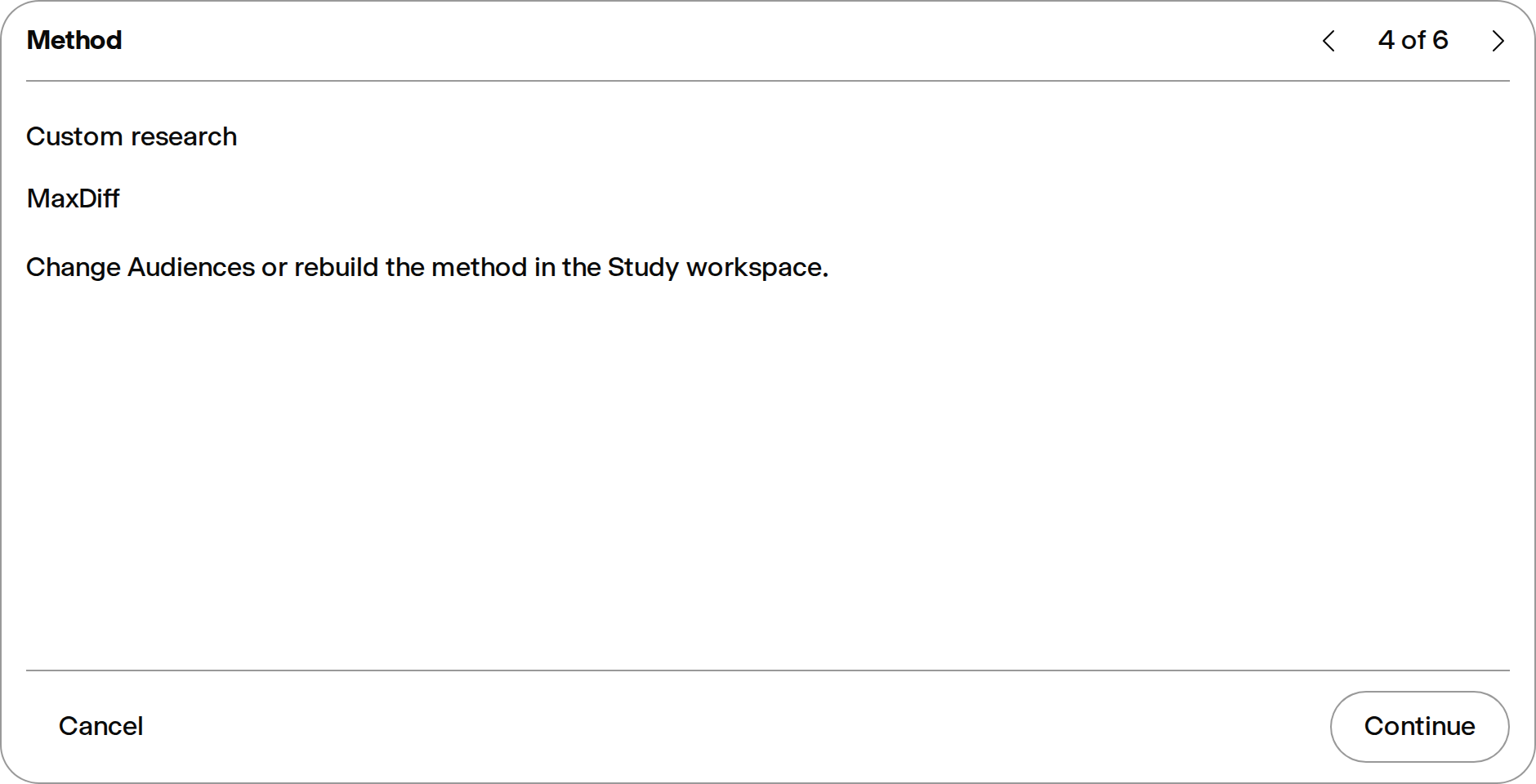
| [Study Plans](https://getminds.ai/guide/panels) | Turn a direct question, questionnaire, broader brief, or website, image, ad, video, and document analysis request into a versioned draft Study Plan. The planner captures the objective, subject, primary question and main source, distinguishes user questions from agent suggestions, and returns explicit confirmation questions before anything runs. Users can revise the draft or keep the executable questionnaire path simple. The confirmation shows every question’s proposed response format—open text, choice, a standard numeric scale, or a custom scale—and lets users edit it before execution; the confirmed response contract stays attached through durable processing. After confirmation, Custom shows a concise planner-generated summary with localized question-count and method metadata in the originating message instead of repeating the full brief. Eleven methods execute end to end: MaxDiff uses a server-designed forced-choice workflow, and NPS, top/bottom box scoring, key driver analysis, TURF, Gabor-Granger, Van Westendorp, Kano, ranked preferences, and segment comparison run through the same deterministic adapter contract with overall and per-Audience calculations, including pairwise between-group significance testing for segment comparison, top/bottom box scoring, NPS, and ranked preferences, using exact and small-sample-correct tests with a multiple-comparison correction across each result. Segment comparison compares the Audience groups that actually answered rather than a declared segment list, and reports a single answering group with an explanation instead of no result. A method expands one planner question into one task per item, price point, or feature pair, up to 100 questions in a Study; a design trimmed by that ceiling keeps feature pairs whole and reports what it could not ask. Conjoint executes as well: the server builds a D-optimal choice design, asks respondents to pick between complete configurations, and fits a conditional logit for per-level part-worths and attribute importance, refusing to expand a design whose part-worths would not be separately estimable. Every generated method task snapshots its exact response space into the durable job, preventing a worker from reinterpreting forced-choice options. Confirmed executable Studies keep an immutable plan snapshot and expose durable questionnaire progress, method calculations, and flexible semantic summary blocks through the v1 API and MCP; visual-asset plans preserve heatmap-oriented output intent for UI renderers. Deterministic calculation artifacts are authoritative evidence for the result summary: the model receives their registered method, scope, methodological meaning, and exact values, decides where they materially belong, and explains them without recomputing scores. A completed summary can receive a missing valid calculation artifact later without being regenerated. Question-level Alignment and run-level method calculations share one summary-style Analysis modal, so repeated Alignment values stay attached to their exact question instead of appearing in a separate calculator popover. The processor start time is persisted so the loading counter survives reopening or reloading a Study. A confirmed Study persists the current UI language in its plan and uses it throughout processor execution; legacy plans without a study language retain the saved flow-owner fallback. An explicit Study language governs server-added confirmation copy, questions, Mind responses, category labels, per-question and grouped findings, and later whole-Study summary refreshes even when a collaborator or API-key caller uses another locale. Confirmed multi-question runs render one numbered origin block from the exact questions, while abandoned accepted/pending records without a queued job remain hidden. When a Study owner starts a questionnaire run after switching the request language, the run uses that current request language; collaborator-triggered runs retain the owner’s saved language so the shared Study stays consistent. A confirmed Custom Study checks its Chat allowance before generated Audience work begins, so a blocked launch opens the existing contextual upgrade path immediately instead of spending minutes preparing an Audience first. Audience-response limits are enforced before launch and before each queued question: blocked launches open the upgrade path without starting, while mid-run limits preserve partial evidence, stop the remainder, notify the user, and remain explicitly plan-limited rather than completed. Confirmation follows authorship rather than question count: a single question the planner wrote itself, including its reading of a short follow-up such as “wie viel”, is confirmed before it reaches the Audience, while a question the user wrote runs directly. |
| [Audience Responses](https://getminds.ai/guide/panels) | Ask a target group once and receive parallel synthetic responses from the Minds in that group. When a Study message includes a successfully loaded website, file, source, screenshot, or image, each retained Mind response must use a concrete detail from that supplied material instead of treating the asset as missing. Larger panel turns continue durably in the background, keep live progress visible, and recover after a page reload. For large Audiences, response work is split into durable batches across available processing capacity; each Mind response is streamed as soon as it finishes without waiting for a whole batch, while bounded recovery retries only the Minds still missing. Each completed result reveals its headline and synthesized research summary first. A single question adds one compact answer chart before its supporting Mind-level response rows in the collapsible Evidence section. Multi-question research adds one to three side-by-side key-finding overview charts, normally two, selected against the complete research request and overall conclusion rather than by percentage alone. Every chart is backed by verified answer counts: one focused percentage or score for a standalone result, or a two- or three-value comparison whenever the finding makes a comparative claim. Attachment-comparison results show the original image creatives directly above their A/B/C columns, match variants by persisted filename and occurrence rather than raw attachment position, and leave historical votes and findings unchanged when older results are reopened. The result gives every processed question its own foldout, answer chart, group distributions, and Mind-level evidence. When a Mind uses retrieved knowledge-base, group-grounding, or web evidence, its hover card and Closer Look show claim-level source logos through the same inline citation system as Marketplace descriptions. Public URLs render as clickable source logos with domain tooltips; private knowledge files remain non-linking document sources and never expose storage paths. Generation-time attribution is stored with the answer, while historical answers can be lazily checked against the Mind’s current knowledge base and group grounding. The v1 result payload exposes optional citation markers, source identities, and provenance without returning the underlying private knowledge text. |
| Response Credit Top-Ups | Purchase one-time synthetic-response credit packs from Subscription settings where top-ups are enabled. When an eligible billing owner reaches the response limit, the paywall links directly to the expanded Response Credits section; team members are told to ask their owner instead. Billing owners can also save a payment method for automatic recharges, choose a monthly safety cap, or explicitly opt into uninterrupted recharging with no monthly cap. Unused credits carry forward, team credits enter the shared pool, and successful refunds or lost payment disputes reverse the corresponding credits. |
| [Efficient Study Result History](https://getminds.ai/guide/panels) | Long-running Studies initially render the newest completed results so the transcript opens quickly. Earlier results remain available in predictable batches, and selecting any deferred result from research navigation reveals it before scrolling to the requested evidence. |
| [Scheduled Studies](https://getminds.ai/guide/panels) | Schedule a Study to rerun daily, weekly, monthly, or quarterly. Runs continue reliably in the background, recover from worker interruptions, and preserve progress for historical review and export. |
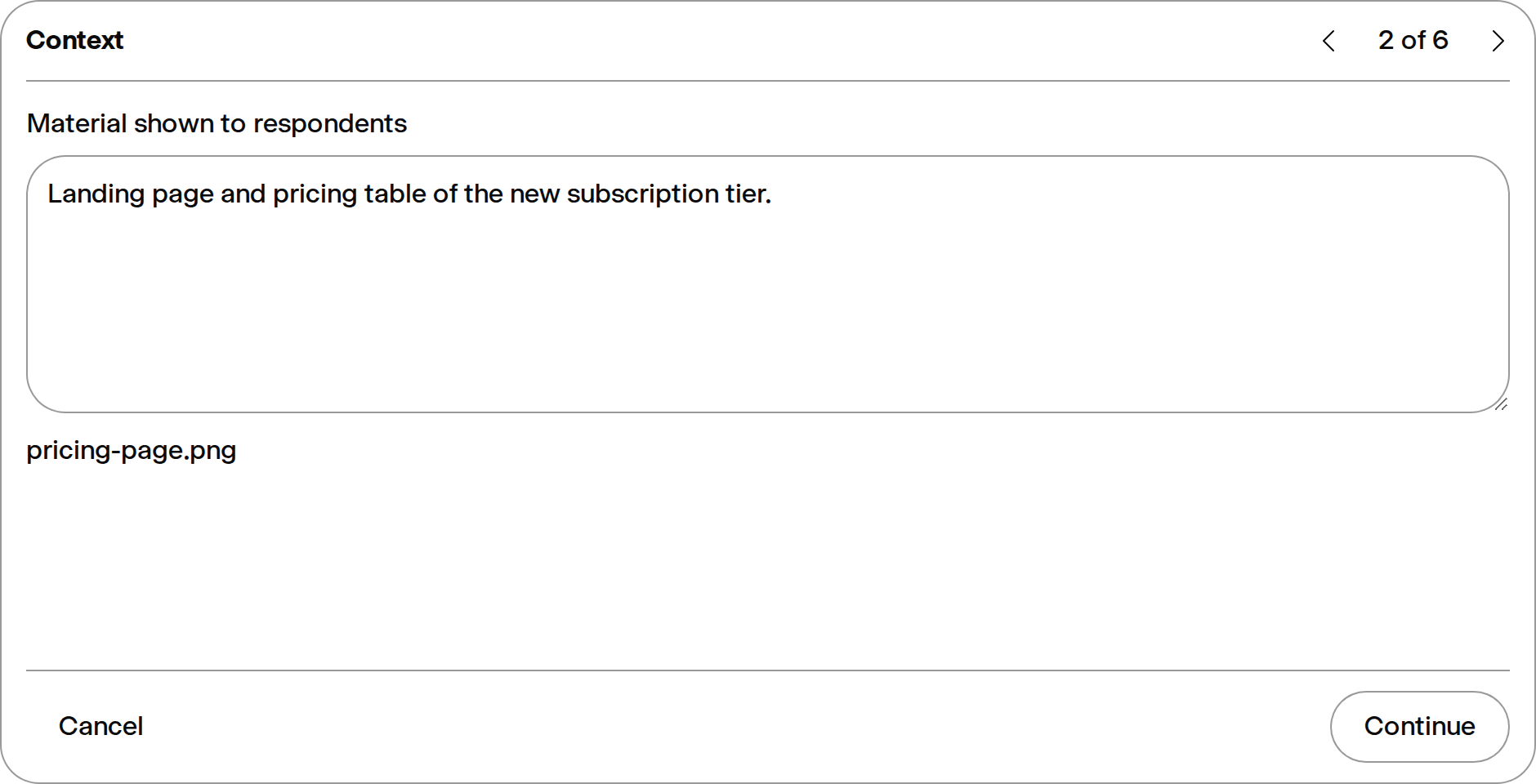
| Stimulus Testing | Test copy, landing pages, screenshots, decks, product concepts, and competitor material inside a Study. |
| [Multi-Segment Comparison](https://getminds.ai/guide/panels) | Compare responses across different Audiences to see where segments agree, disagree, or need different messaging. |

## Analysis And Outputs

Structured outputs that turn responses into usable research material.

| Feature | Description |
| --- | --- |
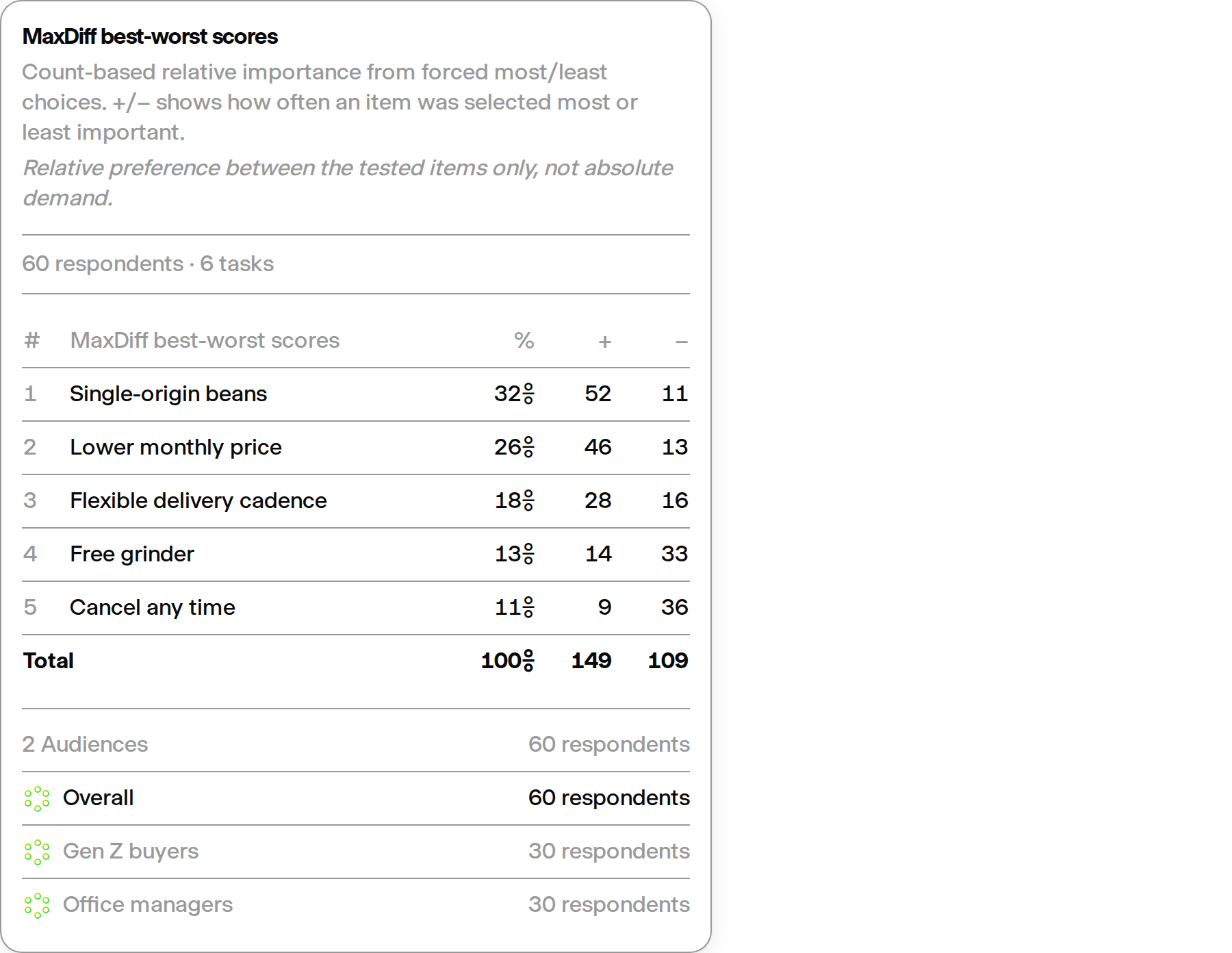
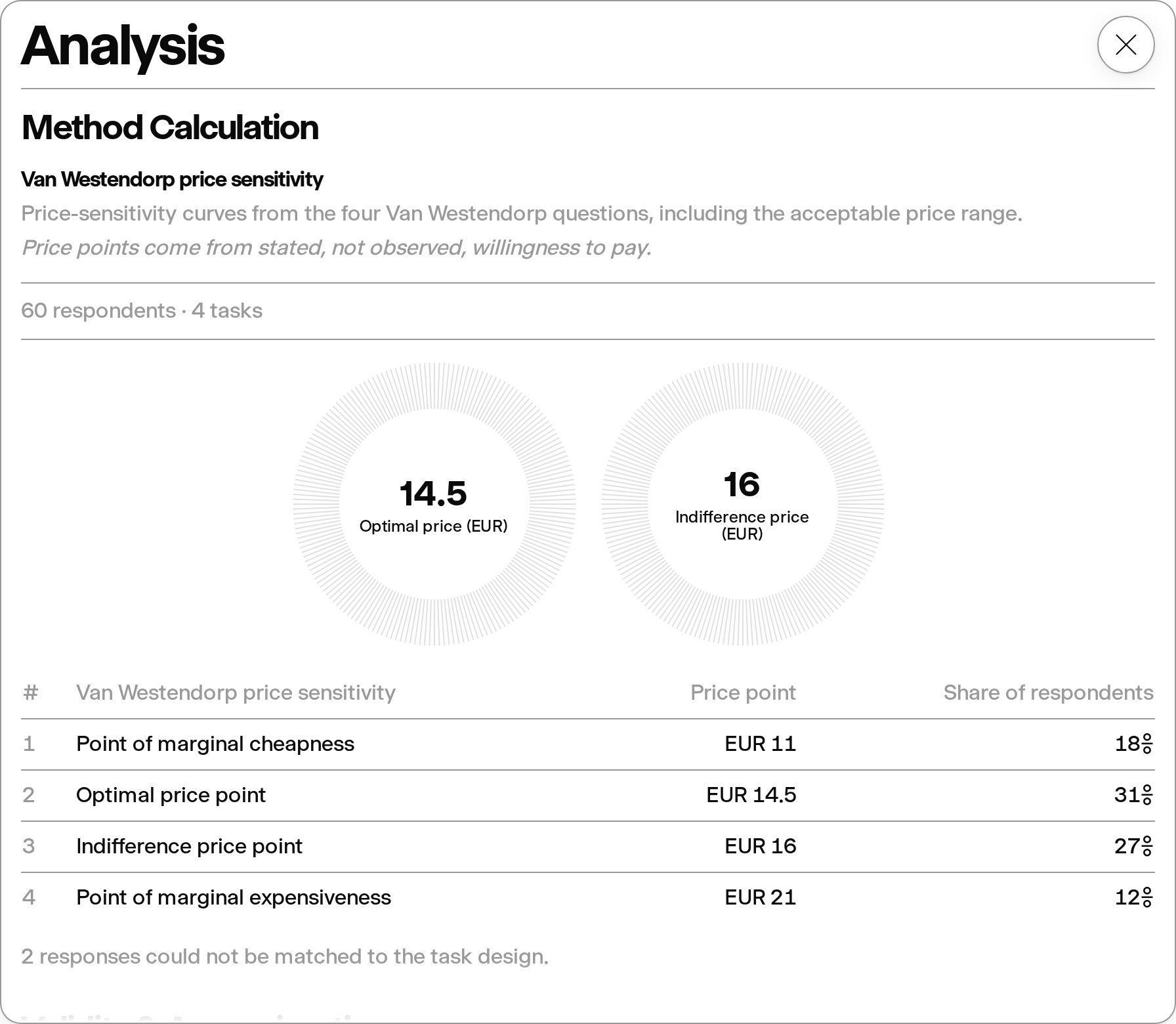
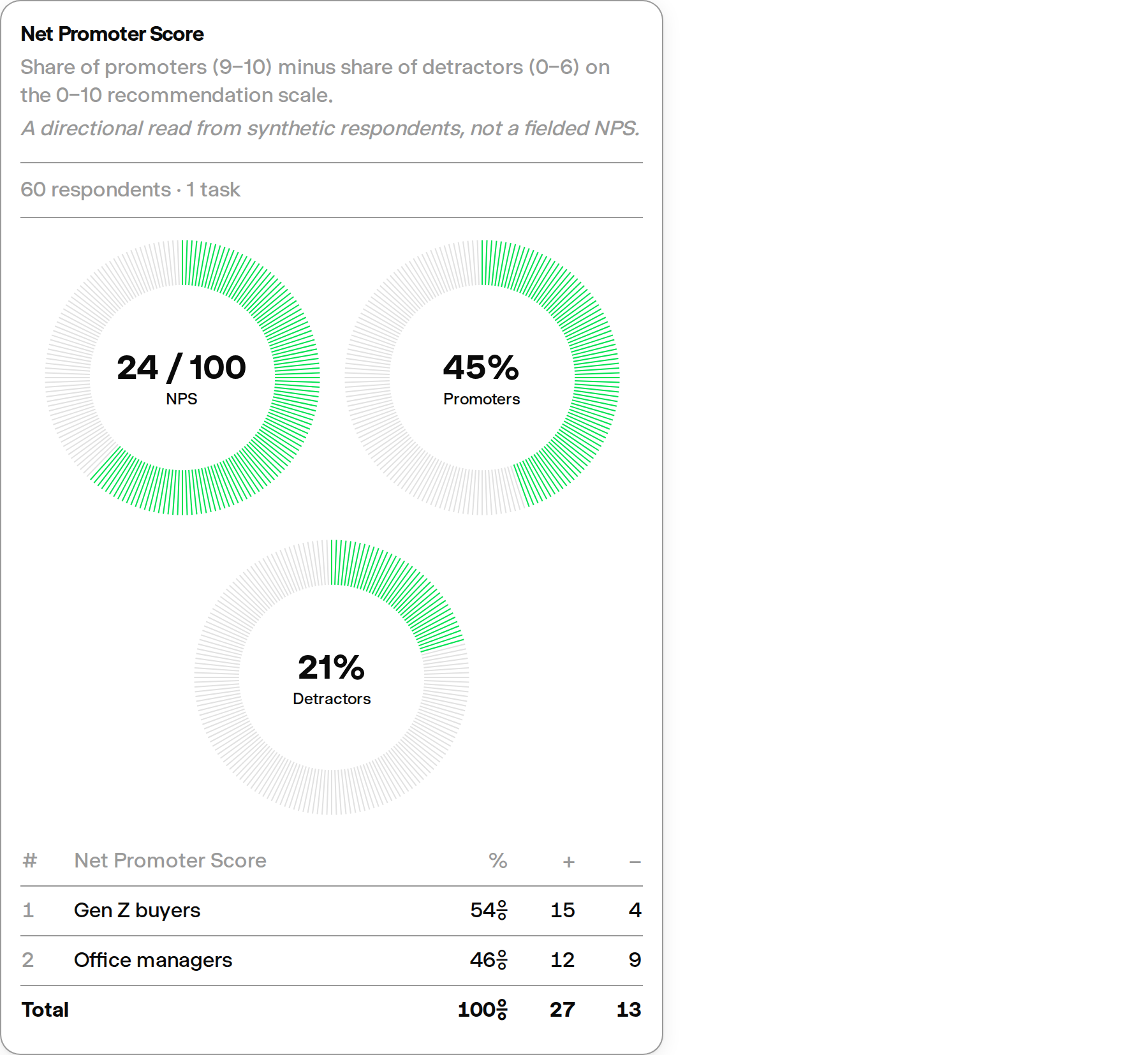
| [Research Method Calculations](https://getminds.ai/guide/panels) | Open deterministic method results in the summary-style Analysis modal, with the workspace kept visible behind a blurred backdrop. The modal presents two uniform tables: the method calculation first, then a validity and approximation table with per-question personality and distribution match, each section headline explained on hover. Every calculator-backed method—MaxDiff, NPS, top/bottom box, key drivers, TURF, Gabor-Granger, Van Westendorp, Kano, ranked preferences, and segment comparison—declares its own table columns, headline metrics, category tags, and finding notes in the same modal, including pairwise between-group significance notes for segment comparison, top/bottom box, NPS, and ranked preferences. Significance is only claimed where the sample supports it: share comparisons use the Fisher exact test rather than a normal approximation whose validity these sample sizes cannot meet, mean comparisons use Welch t on Satterthwaite degrees of freedom so small groups widen their own uncertainty, every test in one result is corrected together with Benjamini-Hochberg so an item cannot look significant merely because dozens of comparisons were run beside it, groups that answered without any internal spread cannot produce a significant difference, and a comparison that could not run at all says so instead of leaving a silence that reads as no difference. Reported p-values are floored rather than rounded to zero, because no result makes a difference certain. Each method also states its standing limitation next to its numbers — what the result is not — rather than only in the generated summary, and key drivers label whether each driver lifts or drags the outcome, since importance itself is unsigned. Headline scores reuse the standard research donut chart on their honest scale, such as NPS on its −100 to 100 range, and tables add Total or Average footers only where rows genuinely sum to a whole, declared per column so a per-row sample size is never totalled into a figure larger than the panel. Each Audience row carries the Minds group icon and switches the table to that Audience’s calculation. Methods whose calculators cannot execute yet stay visible in the method selector but cannot be chosen, and a Study still waiting for its calculation shows a dedicated calculating step in the result stream. The selector explains each method rather than only naming it: every row carries a plain-language line describing what the method is for, and hovering opens a card with the full explanation, naming the underlying technique so a market researcher recognises it — best-worst scaling, Welch t-tests, Total Unduplicated Reach and Frequency — and stating the same standing limitation the results carry, so the choice is informed before the Study runs rather than only after. An "Advanced" tag is no longer shown, since it signalled difficulty rather than fit; "Not available yet" remains, because it changes what can be picked. The explanations are written natively in all nine interface languages, using each language's own words for an Audience and a Study rather than the English ones. Choosing a method commits only once a matching plan comes back, so the selector never shows a method the Study will not actually run, and a failed switch keeps the previous method instead of quietly reverting the Study to Custom research when it is retried. A method whose configuration is nearly right is repaired before the Study runs rather than demoted to a qualitative run, so the deterministic calculation is still produced instead of silently disappearing. A deployment happening while a Study runs no longer reloads the page out from under it: the new version is picked up on the next navigation after the run settles, and switching to a forced-choice method rewrites the questions in that method's own form instead of failing on questions written for the previous method. A Study whose method declares a deterministic calculation computes it for single-question runs too, and its result stays in the loading state until that calculation is ready, so opening the Analysis modal right away always shows the method table. |
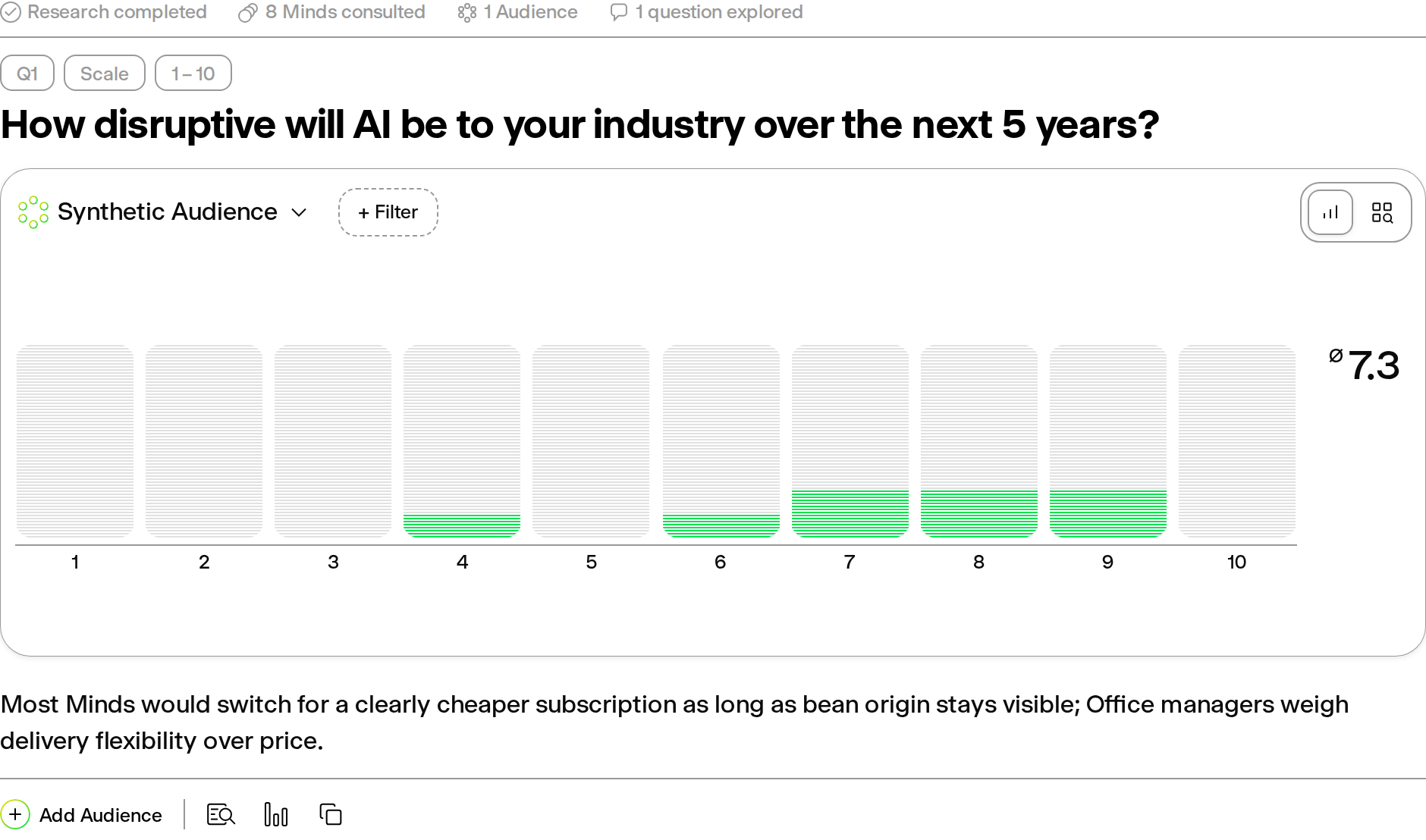
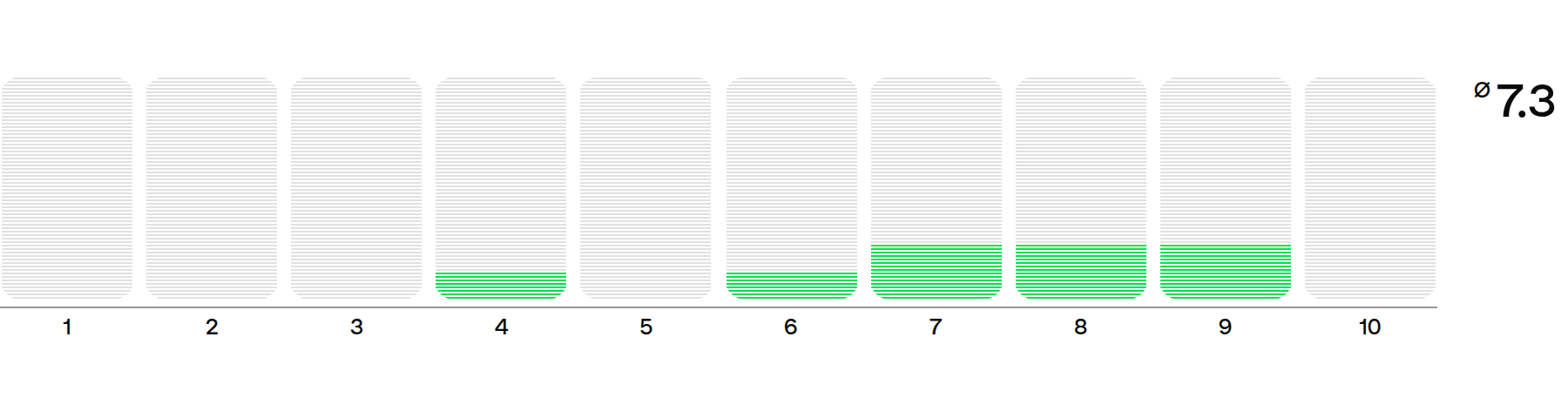
| [Response Aggregation](https://getminds.ai/guide/panels) | Aggregate scale, single-choice, multiselect, and qualitative responses into averages reported to one decimal, independent selection rates, distributions, and themes. |
| [Canonical Response Categories](https://getminds.ai/guide/panels) | Merge semantically similar categorical and qualitative Audience-response labels into bounded, presentation-ready categories while preserving the original answer wording for review. For A/B tests with attached variants, keep the upload order as the locked answer space, show unselected variants at 0%, and use enough precision for exclusive category shares to total 100%. |
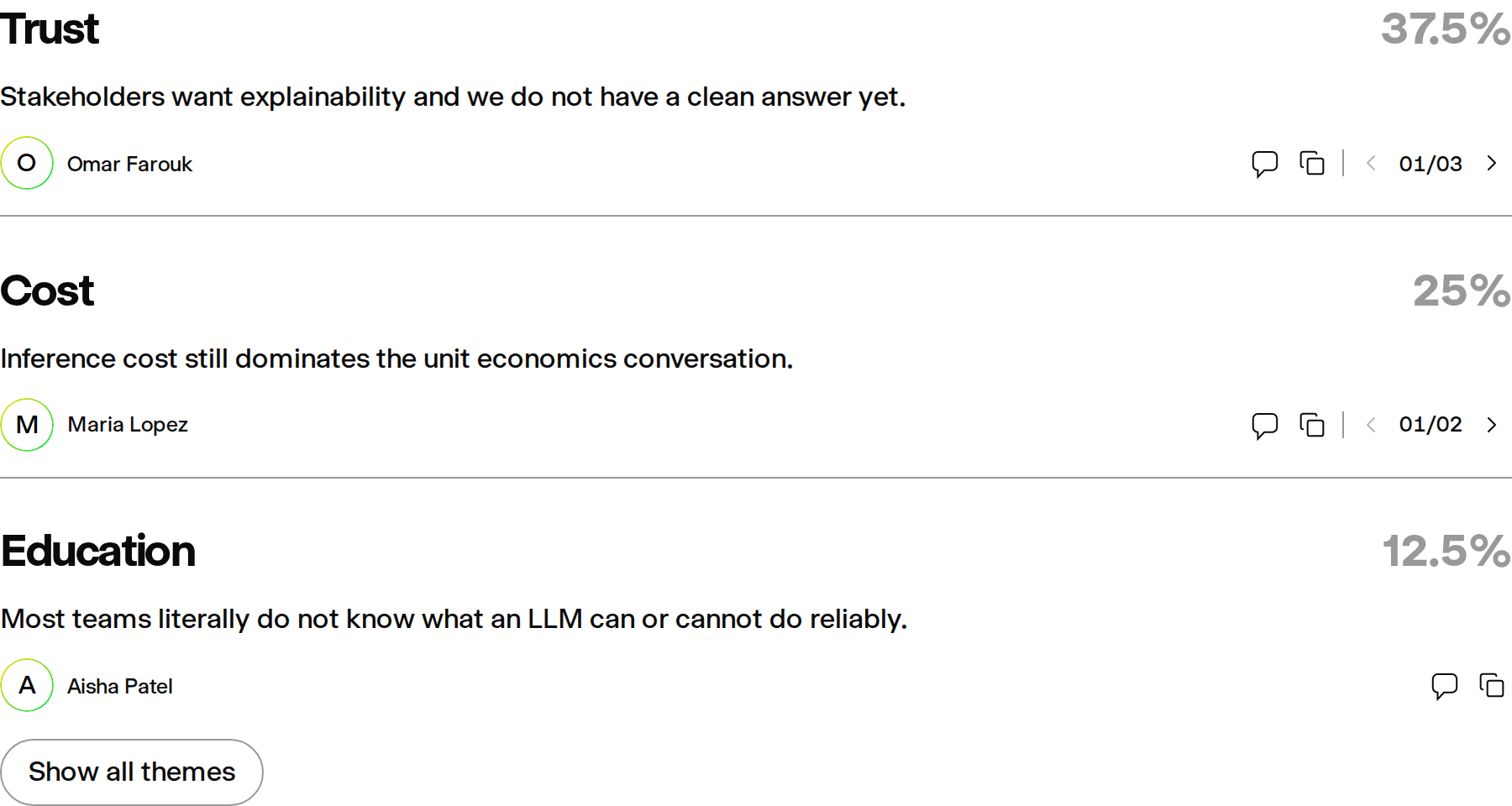
| [Study Summaries](https://getminds.ai/guide/chats) | Generate on-demand rolling summaries of a Study, with highlighted themes and summary charts, and refresh them as the Study continues. |
| Heatmap Testing | Run supported website, uploaded-video, or uploaded-image heatmaps to capture simulated attention and interaction signals. Visible website and media evidence is authoritative over an earlier unsupported assumption, and website summaries are derived from the observed page trace rather than a stale pre-browse answer. Uploaded media uses a configured backup speech service when the primary transcription provider is unavailable. Video reactions connect the full available transcript to exact visible elements in sampled frames and fall back to visual-only analysis when transcription remains unavailable. Each uploaded image is analyzed as an independent creative in one result, with lettered tabs that retain its filename. If several videos are attached, the first is analyzed by default and the interface identifies the omitted files. |
| Structured Exports | Export supported research outputs such as answers, transcripts, Study results, and executive summaries as Markdown, JSON, PDF, or branded Word documents, including Mind and Audience exports with their sources and disclaimers where available. The answer-level Export control and Summary Share action open the same Study-wide Share and export menu as the header control. |

## Collaboration

Team workspace features for shared usage and administration.

| Feature | Description |
| --- | --- |
| Shared Team Workspace | Work from a shared workspace for team-owned Minds, Audiences, Studies, and research material. Audience owners, invited collaborators, and members of the shared Team workspace can edit ordinary Audience details, sharing settings, and Marketplace cover or eligible logo media; public and Study-only viewers remain read-only, while destructive, access-control, verification, and billing operations keep stricter permissions. |
| Seat And Role Management | Manage team seats, access, and workspace administration for the customer team. |
| Pooled Team Usage | Pool response allowances across seats so team usage can be managed at workspace level. |

## Integrations

Programmatic access and connected workflow surfaces.

| Feature | Description |
| --- | --- |
| [API Access](https://getminds.ai/api/overview) | Use the public API for supported programmatic Minds, Audiences, Studies, and export workflows. Individual Minds and Panels can be restricted to processed Mind knowledge only: live/request sources are disabled, empty retrieval fails closed, and source filenames remain auditable without exposing private content. Knowledge uploads expose per-item processing status and can regenerate the Mind prompt only after ingestion succeeds. Durable Panel runs are accepted transactionally and return a run ID immediately; clients can poll authoritative status, replay ordered lifecycle events, cancel work, and retry the same idempotency key without creating duplicate execution. |
| [MCP Integration](https://getminds.ai/mcp/overview) | Connect compatible AI clients and agents to supported Minds workflows through the Model Context Protocol. Core lifecycle operations for Minds, knowledge, Audiences, Formations, Panels, chats, and study drafts use the same application boundaries as the public API; destructive tools require explicit confirmation, while API credential creation and rotation remain in authenticated account settings. Panel questions return a durable run ID instead of depending on one MCP process or open stream; status is read from the shared database-backed ledger across reconnects, restarts, and horizontally scaled MCP instances. |
| [Browser Extensions And Widgets](https://getminds.ai/guide/integrations) | Use supported browser-extension and MCP widget surfaces to bring Minds into external workflows or customer-facing interfaces. Creation, status, Audience, and response widgets receive authorized state through the MCP host, render their interface in all nine supported languages, show a centered Minds loader while work is in progress, and display permitted Mind portraits through short-lived signed image URLs without exposing app credentials in the iframe. |
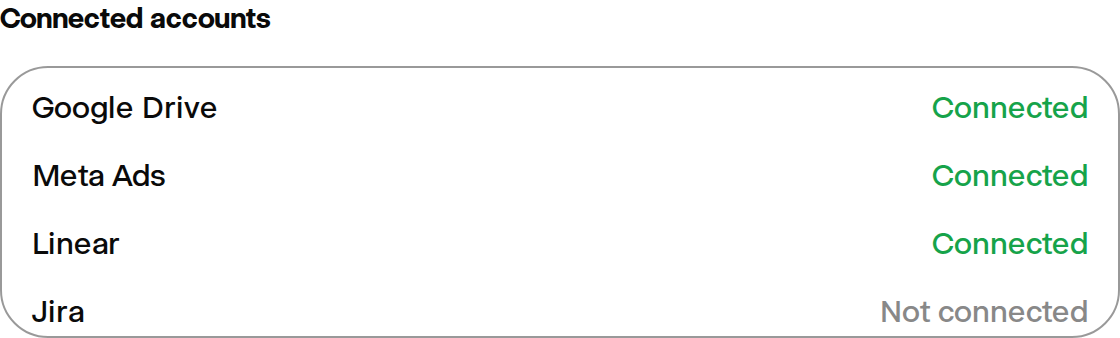
| [Cloud Storage File Attachments](https://getminds.ai/guide/integrations) | Attach files from connected cloud storage such as Google Drive or OneDrive in the Study input, when creating an Audience, and in a Mind's knowledge base, with per-file access you grant in the picker. |
| Custom Integrations | Scope customer-specific integrations for enterprise workflows, internal systems, or analytics stacks. |

## Security And Enterprise Controls

Controls usually configured for larger teams and procurement-led deployments.

| Feature | Description |
| --- | --- |
| [Single Sign-On](https://getminds.ai/guide/integrations#enterprise-single-sign-on-saml) | Configure customer-managed SAML 2.0 sign-in through Supabase Auth, including Microsoft Entra ID and Okta, with provider-scoped team auto-join, seat enforcement, and a legacy-account preflight while the identity provider retains MFA and Conditional Access policy. |
| Email Preferences And Unsubscribe Controls | Manage Study digests, tips and account follow-ups, and product updates independently in General settings. Optional emails include a direct category-level unsubscribe link and support one-click unsubscribe, while required account and service emails remain unaffected. |
| Signup Protection | Email/password registration blocks known disposable email addresses, explains that a permanent address is required, and rate-limits repeated signup attempts. Human verification can be enabled where configured. |
| Enterprise SLA | Agree service levels, support response times, and service credits for enterprise deployments where applicable. |

## Services And Support

Support, onboarding, validation, and customer-specific services.

| Feature | Description |
| --- | --- |
| Validation And Calibration Services | Run separately scoped validation, onboarding, calibration, or research-support work against suitable internal or external reference data. |
| Custom Synthetic Populations | Create customer-specific or sector-specific synthetic populations from customer inputs, partner research, and suitable public sources. |
| Community Support | Access standard self-serve and community-oriented support resources. |
| Priority Support | Receive prioritized support for paid plans and customer workspaces. |
| Future Feature Access | Future generally available features are included where they are enabled for the subscribed plan and are not expressly designated as paid add-ons, Enterprise extensions, or separately ordered services. |